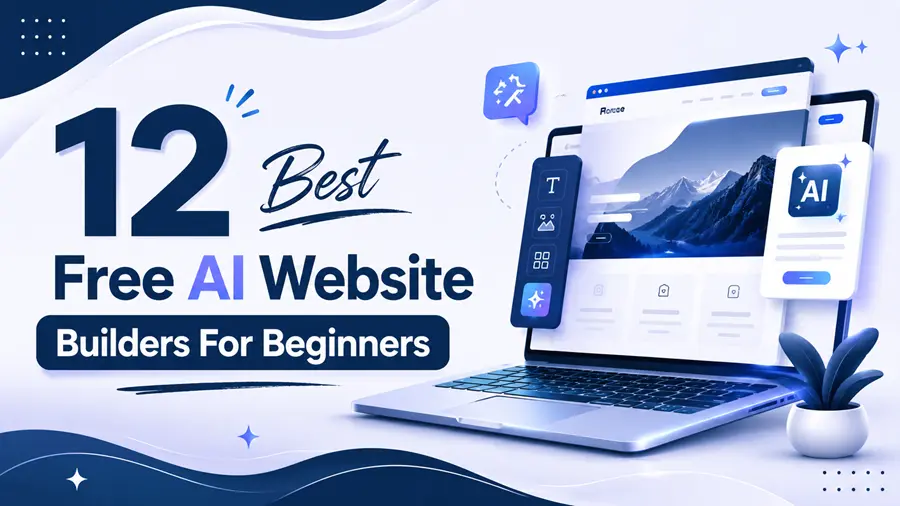
You can build a real website in under ten minutes today. No code. No designer. No upfront cost. AI website builders 2026 turn a short description of your business into a full site with layout, text, and images already in place.
The problem is that “free” means different things on different platforms. Some tools give you a free plan that never expires. Others only give you a trial, then ask for payment before you can publish. Most lists online mix the two together, which wastes your time.
Web Design Los Angeles team tested and verified each platform on this list for 2026. For every tool, you will see exactly what the free plan includes, where it stops, and when paying makes sense. By the end, you will know which builder fits your project – whether that is a portfolio, a small business site, or your first online store.
Quick Answer | Which Free AI Website Builder Is Best?
Wix is the best free AI website builder for most beginners in 2026. Its free plan never expires, the AI builds a complete multi-page site from a short chat, and you can publish without paying. The trade-offs are a Wix subdomain and Wix branding until you upgrade (from $17/month).
Best free picks by goal:
- Best overall free plan: Wix – full AI site generation, free forever, easy editor
- Most generous free tier: Dorik AI – free AI generation plus custom domain support at $0
- Best for design quality: Framer – free plan includes the full design editor and AI tools
- Best free WordPress option: 10Web – free AI generation, then a 7-day trial (paid to keep hosting)
- Best if you also need hosting on a budget: Hostinger – no free plan, but plans start at $2.99/month
Free Plan Reality Check | Free Forever vs Free Trial
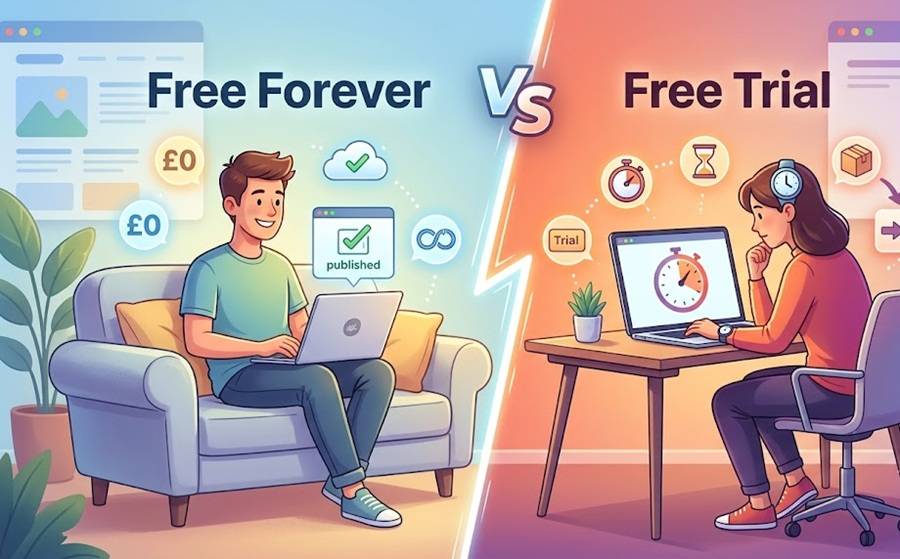
This is the detail most articles skip. Out of the 12 platforms below, only 8 offer a free plan with no time limit. The other 4 offer a trial, then require payment to keep your site live. Both can be the right choice – but you should know which one you are signing up for.
| Type | Platforms | What it means for you |
| Free forever plan | Wix, Dorik, Framer, Webflow, Jimdo, SITE123, Durable, Unicorn Platform | Publish and keep a live site at $0, with limits like subdomains and branding |
| Free trial only | Hostinger (14 days), 10Web (7 days), Squarespace (14 days), Shopify (3 days) | Build for free, but pay before or shortly after publishing |
Comparison Table | 12 Best Free AI Website Builders (2026)
| # | Builder | Free Plan? | Free Custom Domain? | Biggest Free Limit | Paid Plans From | Best For |
| 1 | Wix | Yes, forever | No (subdomain) | Wix ads on your site | $17/mo | Most beginners |
| 2 | Dorik AI | Yes, forever | Yes (connect your own) | AI text/image tools need a paid plan | $15/mo | Free custom-domain sites |
| 3 | Framer | Yes, forever | No (subdomain) | Framer badge; non-commercial use | $10/mo | Designers and portfolios |
| 4 | Webflow | Yes, forever | No (webflow.io) | 2 static pages on Starter | $14/mo | Future power users |
| 5 | Jimdo Dolphin | Yes, forever | No (subdomain) | 2 GB bandwidth, basic features | ~$9/mo | Simple local business sites |
| 6 | SITE123 | Yes, forever | No (subdomain) | 250 MB storage and bandwidth | ~$12.80/mo | Fastest simple setup |
| 7 | Durable | Yes, forever | No (subdomain) | Branding; limited AI image credits | $12/mo (annual) | Service businesses |
| 8 | Unicorn Platform | Yes, forever | No (subdomain) | 1 website, basic blocks | ~$8/mo | Startup landing pages |
| 9 | Hostinger AI | No – 14-day trial | Paid plans include 1 yr free domain | Must pay to keep site live | $2.99/mo | Budget all-in-one sites |
| 10 | 10Web | No – 7-day trial | With paid plan | No permanent free plan | $10/mo (annual) | WordPress fans |
| 11 | Squarespace AI | No – 14-day trial | With paid plan | Cannot publish for free | $16/mo (annual) | Polished brand sites |
| 12 | Shopify AI | No – 3-day trial | With paid plan | Cannot sell for free | $29/mo (annual) | Online stores |
Prices reflect standard published rates as of mid-2026 and can change. Always confirm on the official pricing page before you commit.
12 Best Free AI Website Builders: Detailed Reviews
1. Wix – Best Free AI Website Builder Overall
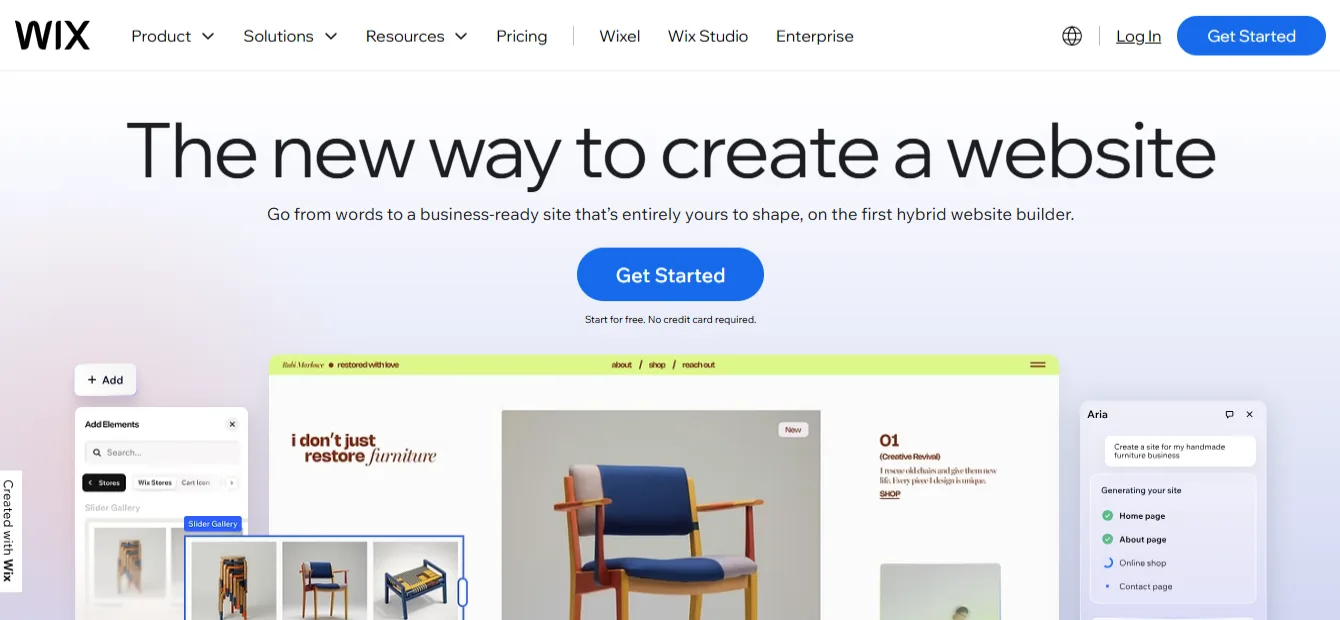
Wix pairs the most complete free plan in this list with a genuinely smart AI builder. You answer a short chat about your business, goals, and style. The AI then generates a multi-page site with matching text, images, and layout. From there, the drag-and-drop editor lets you change anything.
The free plan never expires, and you can publish a live site at no cost. You also get access to the AI tools, hundreds of templates, and reliable hosting.
Free plan limits: Your address looks like username.wixsite.com/yoursite, Wix shows its branding on your pages, and storage is capped. You cannot connect a custom domain or remove ads without upgrading.
Pricing: Paid plans start at $17/month (Light plan) and include a free domain for the first year.
Pros
- Free plan with no expiry date and real publishing
- Strong AI generation plus a flexible manual editor
- Huge app market for forms, bookings, and marketing
- Built-in SEO settings beginners can actually follow
Cons
- Wix ads and subdomain on the free plan look unprofessional for client-facing work
- You cannot switch templates after publishing
- Paid plans cost more than several rivals here
Best for: Beginners who want one platform that can grow with them – from a free starter site to a full business website.
2. Dorik AI – Most Generous Free Plan
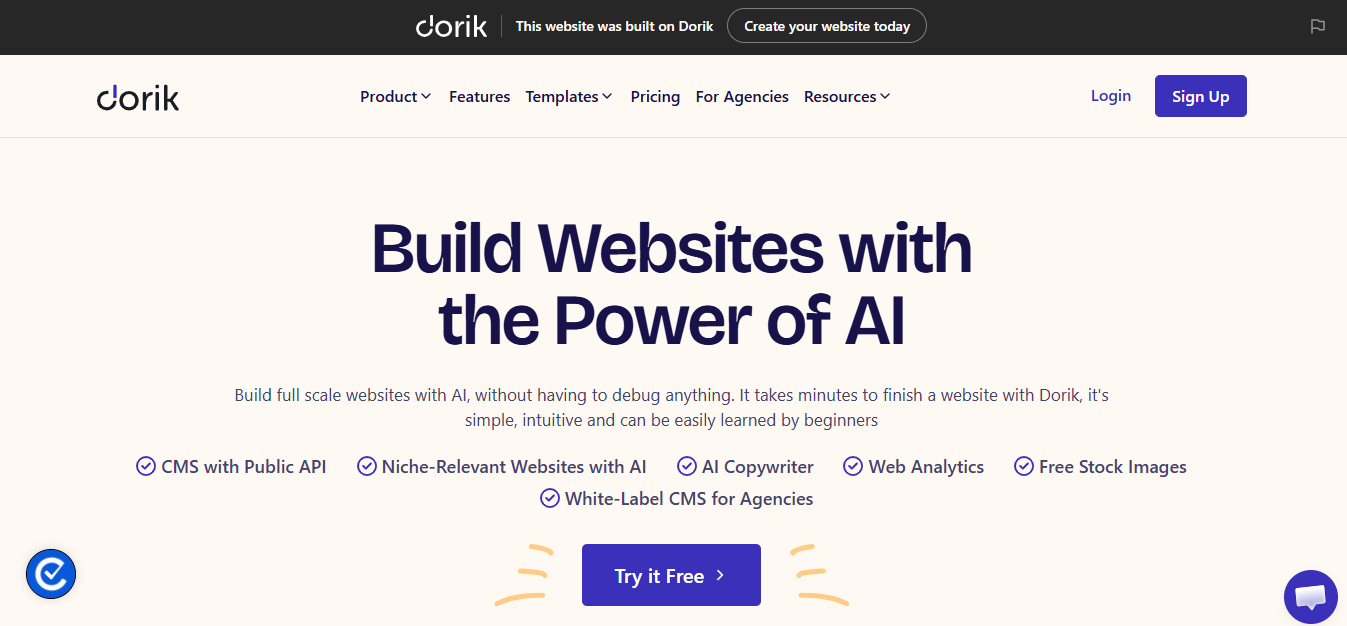
Dorik is the quiet overachiever of this list. Type a prompt describing your site, and Dorik AI generates a full multi-page website with SEO-friendly text and relevant images. You can regenerate sections until the result feels right.
What makes it stand out in 2026: the free plan lets you connect a custom domain. Almost every competitor locks that behind a paid plan. You can also generate up to 2 sites with AI, use the built-in blog, and add forms and payment buttons – all at $0.
Free plan limits: Dorik branding stays on free sites, and the dedicated AI text and image generation tools (beyond the initial site build) sit on the Pro plan. Template and feature depth is smaller than Wix or Squarespace.
Pricing: Paid plans start at $15/month, with Pro and Agency tiers adding unlimited AI generation, white-label options, and code export.
Pros
- Custom domain support on the free plan – rare at $0
- Clean, fast, lightweight sites by default
- Built-in blog and CMS even for free users
- No-code editor stays simple without feeling toy-like
Cons
- Smaller template library (around 110+ designs)
- Ongoing AI writing and image tools require Pro
- Fewer third-party integrations than the big names
Best for: Beginners who already own a domain and want a professional site live at zero monthly cost.
3. Framer – Best Free Builder for Design Quality
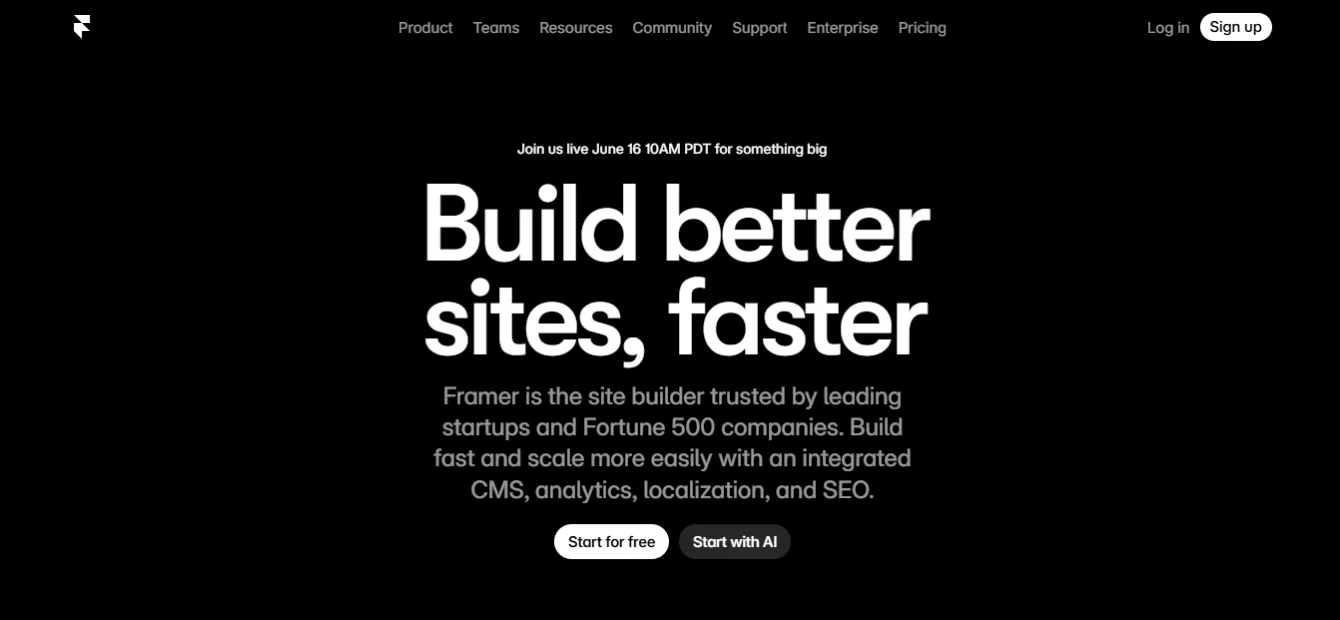
Framer started as a design tool, and it shows. Sites built with Framer look modern out of the box – smooth animations, sharp typography, and layouts that feel custom. The AI generates full pages and sections from a prompt, and the free plan includes the complete design editor plus AI features.
The free tier is surprisingly deep: you can build with up to 1,000 pages and 10 CMS collections, and publish to a framer. website subdomain.
Free plan limits: The free plan is meant for non-commercial use. Your site carries a Framer badge, and you need the Basic plan to connect a custom domain. Watch the plan limits closely: after Framer’s 2025–2026 pricing overhaul, the $10 Basic plan allows 30 pages and only 1 CMS collection – fewer than the free tier in some areas.
Pricing: Basic costs $10/month (billed annually) and includes a free .com domain for the first year. Pro is $30/month.
Pros
- The best-looking output of any builder on this list
- Free plan includes real design and AI tools, not a stripped demo
- Fast hosting and smooth publishing workflow
- Great template marketplace for inspiration
Cons
- Steeper learning curve than Wix or SITE123
- Free plan is officially for non-commercial projects
- Basic plan limits (1 CMS collection) push real sites toward Pro
Best for: Creatives, freelancers, and portfolio builders who care how their site looks more than anything else.
4. Webflow – Best Free Option for Future Power Users
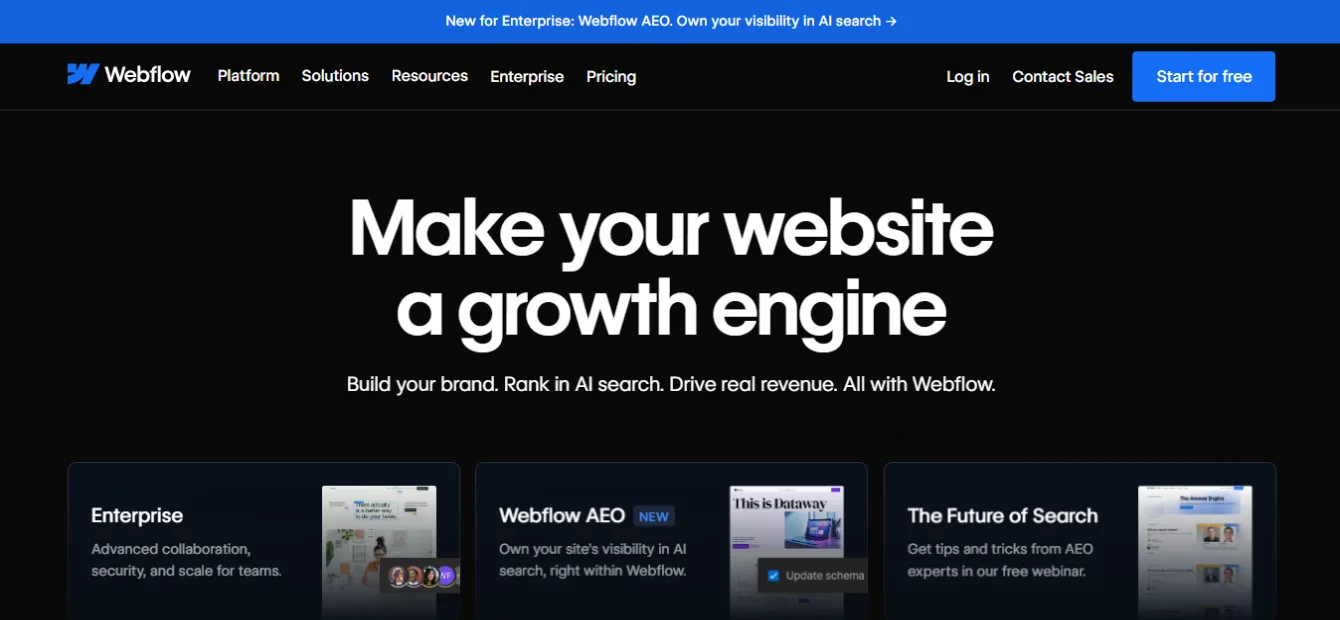
Webflow’s AI Site Builder generates a complete homepage and design system from a short description of your project. Everything it creates lives inside Webflow’s professional visual editor, so you can refine every detail later – or hand the site to a developer without rebuilding.
The free Starter plan never expires. You can build, test, and publish to a webflow.io subdomain at no cost, and the AI site generation itself is free to use.
Free plan limits: Starter caps you at 2 static pages, which rules out larger sites. Custom domains, CMS publishing, and some AI copy tools require a paid Site plan. Webflow also has the steepest learning curve here once you go beyond the AI’s first draft.
Pricing: Paid Site plans start at $14/month (billed annually).
Pros
- Professional-grade output with full design control
- Free AI site generation with no expiry
- Clean code and strong technical SEO foundations
- Skills transfer to real client work later
Cons
- 2-page limit makes the free plan a sandbox, not a home
- Editor overwhelms complete beginners at first
- AI copy generation needs a paid plan
Best for: Ambitious beginners who plan to take web design seriously and want a tool they will not outgrow.
5. Jimdo Dolphin – Easiest Guided Setup
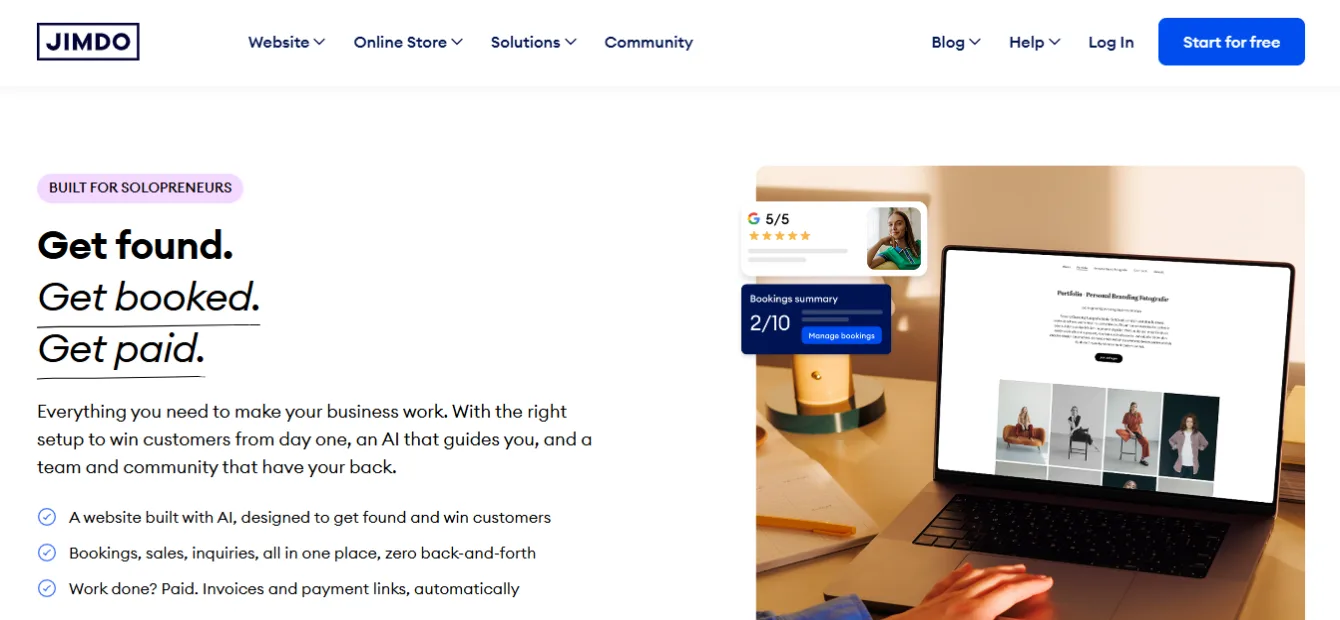
Jimdo’s Dolphin mode builds your site through a short interview. It asks about your business, pulls details if you connect a social profile, and assembles a clean site in about three minutes. Editing happens through simple choices rather than open-ended design tools, which keeps beginners from breaking things.
The free plan stays free forever and includes hosting, HTTPS, and mobile-ready layouts.
Free plan limits: You get a .jimdosite.com subdomain, around 2 GB of bandwidth, and Jimdo advertising. Features like SEO settings and statistics sit on paid tiers, which limits growth on the free plan.
Pricing: Paid plans start at roughly $9/month and include a custom domain.
Pros
- One of the fastest guided setups for true beginners
- Free plan with no time limit
- Clean, uncluttered designs that work well for local businesses
- GDPR-friendly, which matters for European audiences
Cons
- Very limited creative control compared to Wix or Framer
- SEO tools mostly locked behind paid plans
- Smaller ecosystem and fewer integrations
Best for: Local service providers who want a tidy, simple web presence with minimal decisions.
6. SITE123 – Fastest Way to Get Something Live
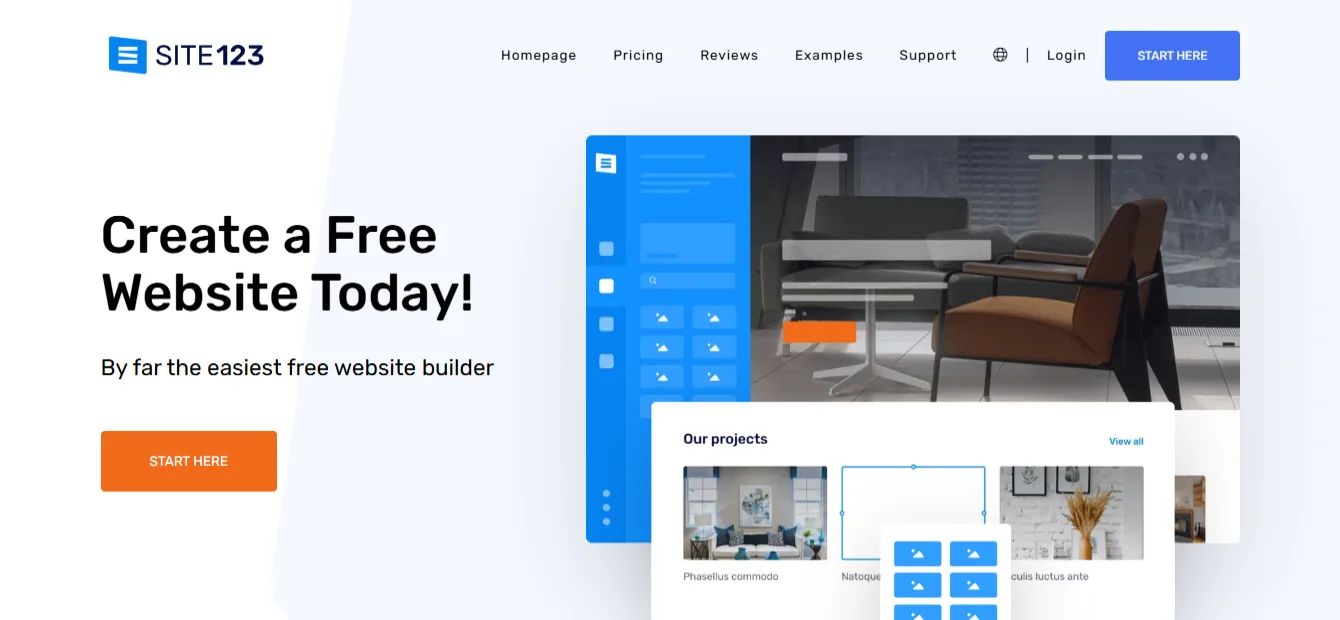
SITE123 lives up to its name. Pick a category, type your site name, and a working website appears that you fill in section by section. Its AI-assisted setup and content suggestions remove almost every design decision. There is no drag-and-drop chaos – just structured blocks you switch on and off.
The free plan is permanent and includes hosting and SSL.
Free plan limits: Storage and bandwidth cap at 250 MB each, which is tight. Your site sits on a SITE123 subdomain with a floating SITE123 tag. E-commerce and mailing lists require paid plans.
Pricing: Premium starts at around $12.80/month with a free domain for the first year.
Pros
- Genuinely the quickest setup on this list
- Structured editor means you cannot create an ugly layout
- 24/7 live chat support, even for free users
- Multilingual site support
Cons
- 250 MB limits rule out image-heavy sites on the free plan
- Designs look similar across SITE123 sites
- Little room to grow into advanced needs
Best for: Anyone who needs a basic, presentable site online today – like an event page or a simple service listing.
7. Durable – Best Free AI Builder for Service Businesses
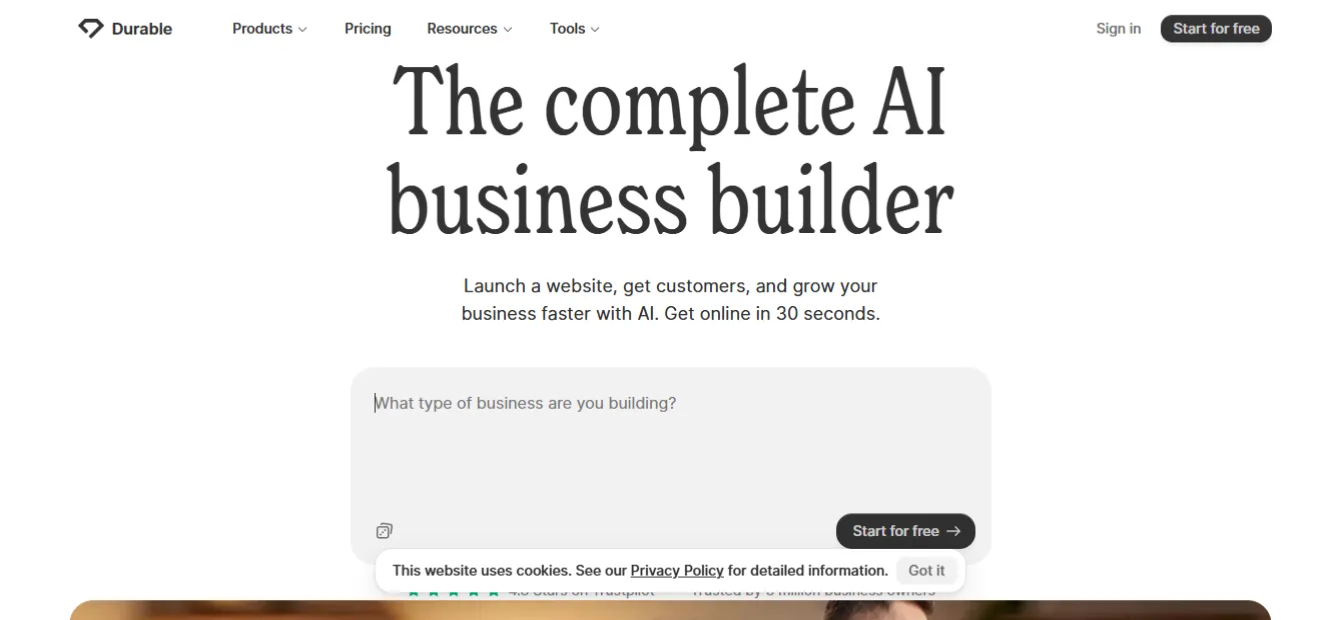
Durable generates a complete service-business website in about 30 seconds from just your business name, location, and industry. The result includes copy, images, contact forms, and even review sections. Around the website, Durable bundles an AI assistant, a simple CRM, and invoicing – a mini business toolkit.
As of 2026, Durable offers a free plan that lets you build and publish on a Durable subdomain, with core AI tools included.
Free plan limits: Durable branding stays on the site, AI image credits are limited, and you need a paid plan for a custom domain and the full business toolkit. Generated copy is a solid start but generic – edit it before you expect it to rank.
Pricing: Paid plans start at $12/month billed annually ($15 monthly), including a custom domain and unlimited pages.
Pros
- Fastest idea-to-website flow of any tool tested
- CRM, invoicing, and marketing tools in one place
- Free plan includes the AI assistant
- Strong support reputation
Cons
- Limited design flexibility – sites follow a set structure
- Default AI copy needs human editing for SEO
- Less suited to blogs, portfolios, or stores
Best for: Plumbers, cleaners, trainers, consultants – any service business that needs a site plus simple client tools.
8. Unicorn Platform – Best Free Builder for Startup Landing Pages
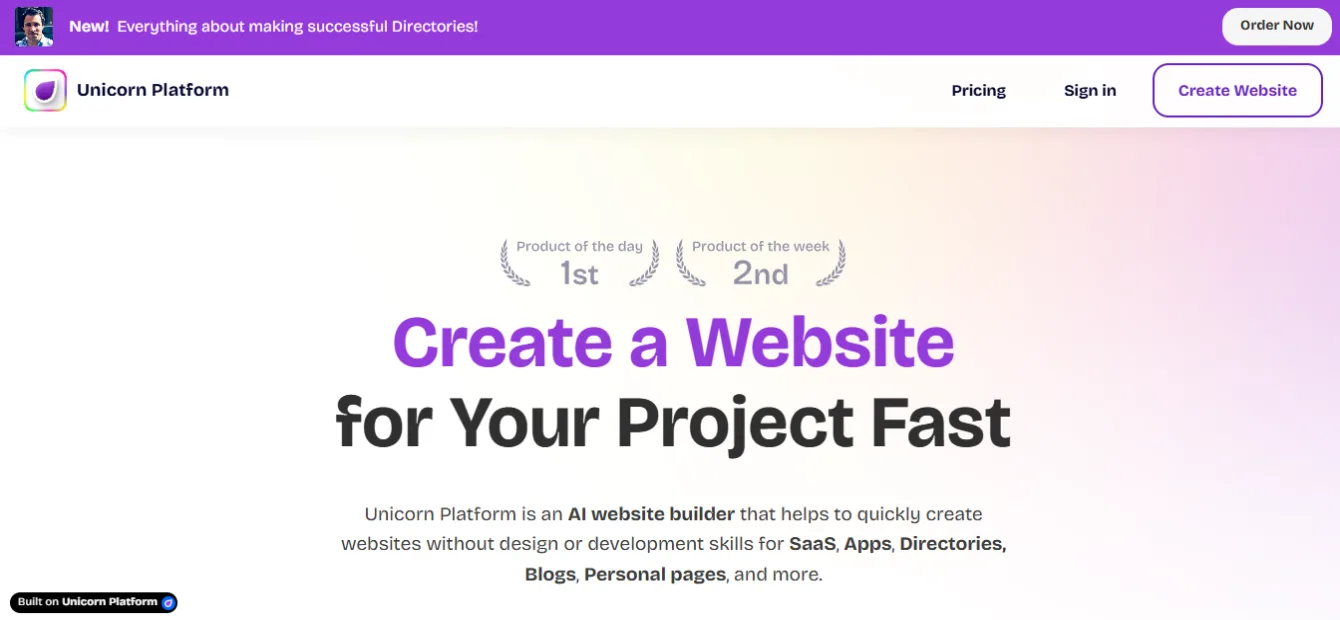
Unicorn Platform focuses on one job: landing pages for startups, SaaS products, and indie projects. Its AI generates a landing page from a short product description, and the block-based editor keeps everything aligned and clean. Developers and indie hackers love it because pages load fast and look credible without design skills.
The free plan includes 1 website on a Unicorn subdomain, with no time limit.
Free plan limits: One site, platform branding, and restricted access to premium blocks, forms, and integrations. It is not built for multi-page business sites or blogs at scale.
Pricing: Paid plans start at around $8/month – among the cheapest upgrades on this list.
Pros
- Purpose-built for high-converting landing pages
- Clean blocks that are hard to misuse
- Cheap entry price when you upgrade
- Fast pages that help SEO and ads quality scores
Cons
- Narrow use case – not a full website platform
- Limited blog and CMS depth
- Smaller community and template pool
Best for: Founders validating an idea who need a sharp one-page site this week, not a 10-page brand build.
9. Hostinger AI Website Builder – Best Budget All-in-One (Trial, Not Free)
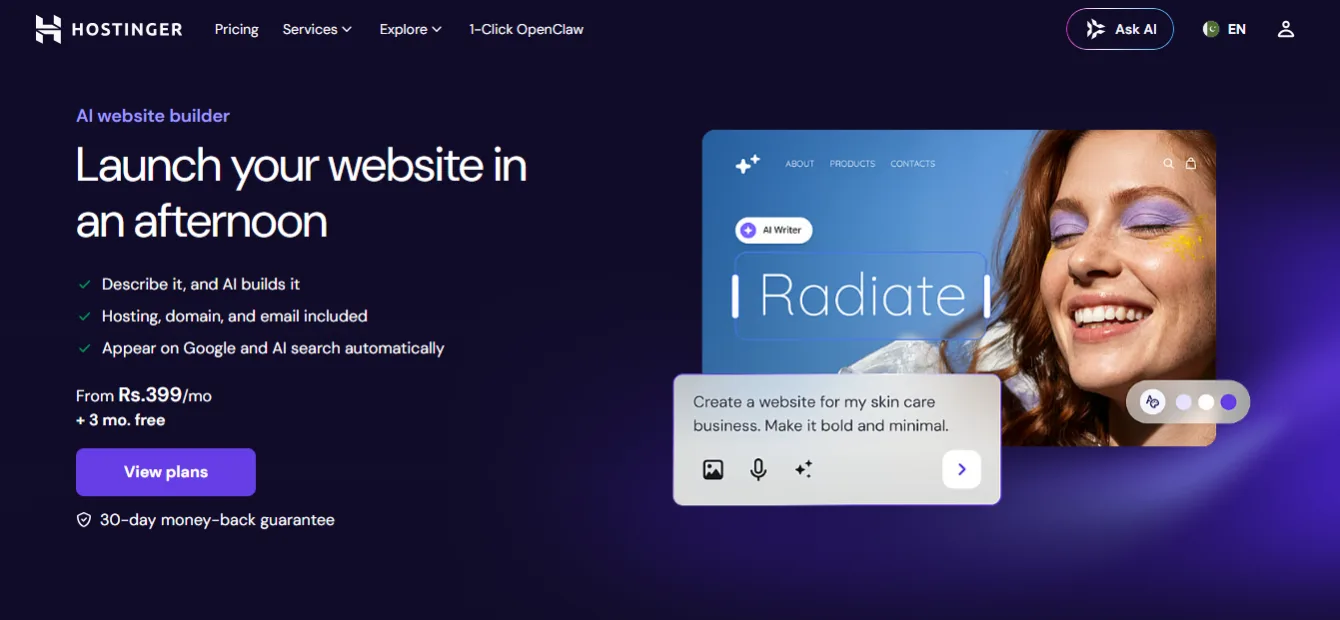
Let’s be clear first: Hostinger has no permanent free plan. It offers a 14-day free trial of its AI website builder, plus a 30-day money-back guarantee on paid plans. Many “free builder” lists hide that detail. We are flagging it because Hostinger still earns its place – it is the cheapest serious option here once you do pay.
The AI builder generates a full site from a description, including text, layout, and basic branding. In 2026, Hostinger also added AI agents that can edit your site through chat instructions.
Trial limits: You can build and test for 14 days without a card, but you must buy a plan to keep your site live.
Pricing: Plans start at $2.99/month on a 48-month term and include hosting, a free domain for the first year, SSL, and email. Watch the renewal rate – it rises to about $10.99/month after the first term.
Pros
- Lowest real-world cost of any paid option on this list
- Hosting, domain, email, and builder in one subscription
- Solid AI tools: writer, image generator, SEO assistant
- Fast performance for the price
Cons
- No free plan – trial only
- Long contract needed for the lowest price
- Renewal prices jump sharply
Best for: Beginners ready to spend a few dollars per month for a professional setup with their own domain from day one.
10. 10Web – Best AI Builder for WordPress (Trial, Not Free)

10Web answers a specific question: “Can I get an AI-built website that runs on WordPress?” Yes. 10Web’s AI generates a complete WordPress site from your answers to a few questions, hosts it on Google Cloud, and lets you edit through an Elementor-based drag-and-drop editor. It can even recreate the layout of an existing site you admire.
The initial AI generation is free – you can see your full site before paying. Keeping it requires a plan after the 7-day trial.
Trial limits: No permanent free plan exists, and 10Web’s policy allows no refunds after the trial ends, so test thoroughly during your week.
Pricing: Plans start at $10/month billed annually and include hosting, a free custom domain, SSL, and speed optimization that targets 90+ PageSpeed scores.
Pros
- Real WordPress under the hood – full plugin ecosystem
- Free AI generation before any payment
- Built-in speed booster handles Core Web Vitals
- Easy migration path from other platforms
Cons
- No free plan, and no refunds post-trial
- WordPress adds complexity beginners may not want yet
- AI credits can run out during heavy editing
Best for: Beginners who want WordPress’s long-term flexibility without doing the technical setup themselves.
11. Squarespace AI (Blueprint) – Best for Polished Brand Sites (Trial, Not Free)
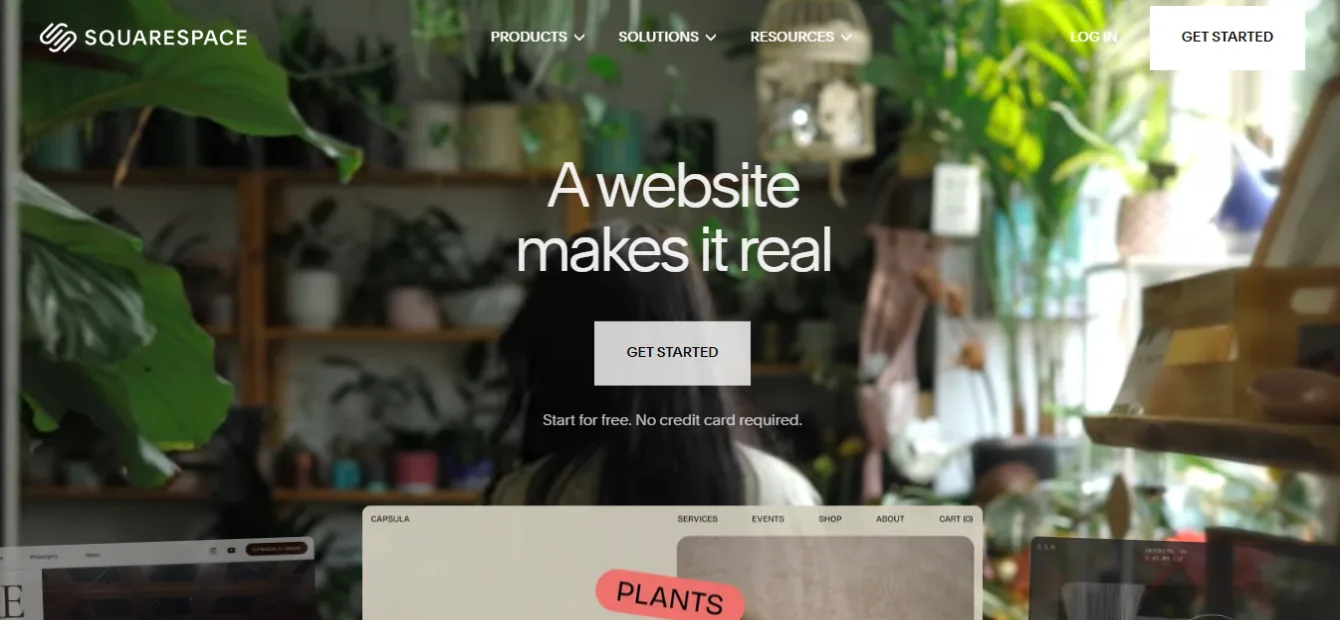
Squarespace’s Blueprint AI walks you through guided questions about your brand, then assembles a site using its award-winning design system. AI writing tools help draft and refine your copy throughout the editor. The output consistently looks expensive – that is Squarespace’s specialty.
There is no free plan. You get a 14-day free trial with no card required.
Trial limits: You cannot publish a live site without a subscription. Everything you build during the trial carries over once you pay.
Pricing: Plans start at $16/month billed annually and include a free domain for the first year, hosting, and SSL.
Pros
- Best-in-class templates and typography
- Guided AI setup keeps brand consistency
- Strong built-in blogging, scheduling, and commerce tools
- All-inclusive pricing with no plugin shopping
Cons
- No free plan at all
- Less structural flexibility than Wix or Webflow
- Commerce features cost more on lower tiers
Best for: Photographers, designers, restaurants, and personal brands where visual polish directly wins customers.
12. AI (Shopify Magic) – Best for Online Stores (Trial, Not Free)

If your website’s main job is selling products, Shopify belongs on your shortlist even though it is not free. Shopify Magic – its built-in AI – generates product descriptions, store content, and email copy, while the AI store setup helps new merchants launch faster. Sidekick, Shopify’s AI assistant, answers questions and performs setup tasks through chat.
There is no free plan. Shopify offers a 3-day free trial, usually followed by a promotional first month (often $1) depending on region.
Trial limits: You can build during the trial, but you cannot run a real store without a paid plan.
Pricing: Basic starts at $29/month billed annually ($39 monthly), plus payment processing fees.
Pros
- The most complete e-commerce system available
- AI handles product copy, images, and store tasks
- Scales from 1 product to enterprise level
- Massive app store and 24/7 support
Cons
- No free plan and the highest entry price here
- Overkill for non-store websites
- Apps and themes add to real monthly costs
Best for: Beginners whose website is a store first and everything else second.
How AI Website Builders Work?
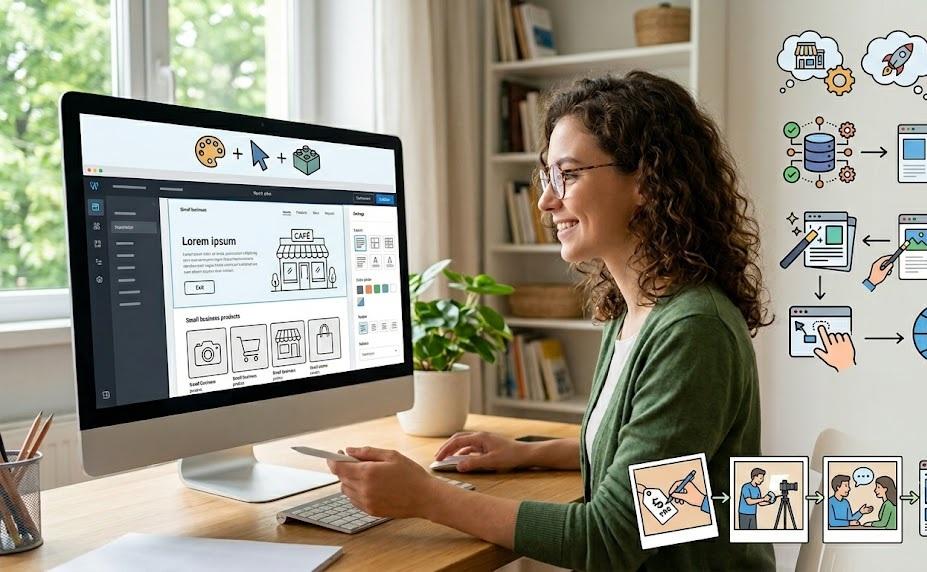
AI website builders follow the same basic flow, even when the interfaces differ:
- You describe your project. A prompt, a chat, or a short quiz collects your business name, industry, and goals.
- The AI matches patterns. The system maps your answers against thousands of proven layouts and content structures for your industry.
- It generates a draft site. Pages, sections, headlines, body text, and images appear in seconds – built to fit together.
- You edit and refine. Drag-and-drop editors or AI chat commands let you swap images, rewrite text, and adjust colors.
- You publish. The platform handles hosting, mobile responsiveness, and SSL automatically.
The key insight for beginners: the AI’s first draft is a starting point, not a finished product. The sites that succeed are the ones where the owner replaced generic AI text with real details – actual prices, real photos, genuine customer answers.
Benefits of Using an AI Website Builder
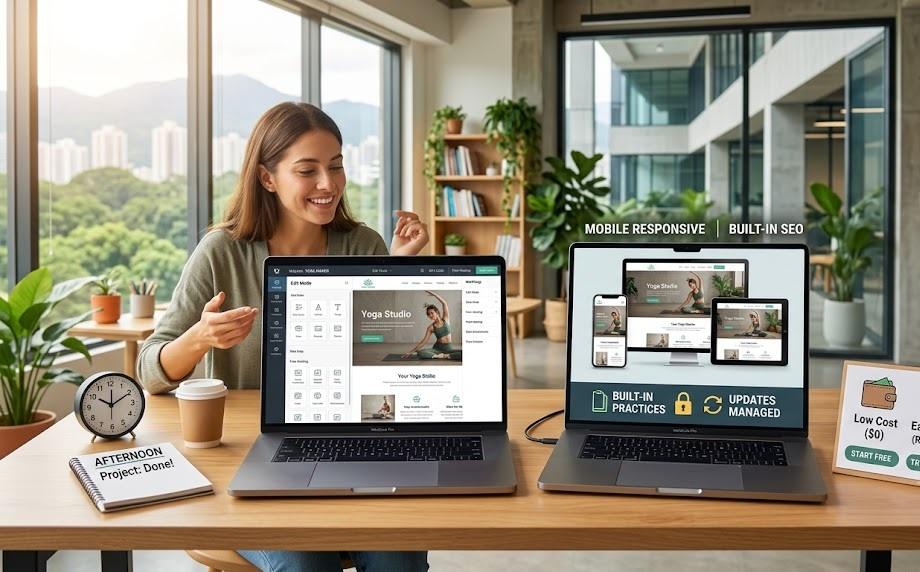
Speed. What took a freelancer two weeks now takes an afternoon. Most tools on this list produce a working draft in under five minutes.
Zero technical barrier. No hosting setup, no code, no plugin conflicts. The platform manages security and updates behind the scenes.
Lower cost to start. Eight of these twelve tools let you publish for $0. Even the paid ones cost less per month than a single hour of developer time.
Built-in good practices. AI builders apply mobile responsiveness, readable typography, and basic SEO structure automatically – areas where DIY beginners usually stumble.
Easy iteration. Don’t like the result? Regenerate it. Testing three different homepage directions costs minutes, not money.
Free vs Paid AI Website Builders | When to Upgrade
Free plans are real and useful – but they are designed to get you started, not to run a serious business forever. Here is the honest breakdown.
| Factor | Free Plans | Paid Plans |
| Domain | Platform subdomain (yoursite.wixsite.com) | Your own domain (yoursite.com) |
| Branding | Platform ads or badges on your pages | Removed |
| Storage/bandwidth | Tight caps (as low as 250 MB) | Generous or unlimited |
| SEO tools | Basics only | Full meta control, redirects, analytics |
| E-commerce | Rarely included | Included or available |
| Not included | Often bundled or available | |
| Support | Help docs, limited chat | Priority support |
Stay free if: you are testing an idea, building a hobby page, learning the tool, or you genuinely just need an online business card.
Upgrade when: customers start finding you. A custom domain alone is worth the cost – visitors trust yourbusiness.com far more than a subdomain, and that trust shows up in conversion rates. Upgrade also when you hit storage limits, need email on your domain, or want to sell.
The good news: every platform on this list lets you upgrade without rebuilding. Your design and content carry over.
How to Choose the Right AI Website Builder (5-Step Checklist)

- Define the site’s one main job. Selling products → Shopify. Booking service clients → Durable or Wix. Showing work → Framer. Validating a startup → Unicorn Platform. The job picks the tool more than features do.
- Decide your real budget – including month 13. Check renewal prices, not just intro prices. Hostinger at $2.99 renews near $10.99. Wix free is free forever. Plan for the price you will pay next year.
- Check the free-to-paid path. Confirm the upgrade keeps your content and unlocks what you actually need (custom domain, more storage, store features) at a price you accept.
- Test the editor before you commit. Spend 30 minutes building. If changing a headline or swapping an image frustrates you, the platform is wrong for you – no feature list fixes that.
- Think 12 months ahead. Will you add a blog? A store? More pages? Webflow and Wix scale far; SITE123 and Jimdo stay simple. Pick the ceiling that matches your ambition, because switching platforms later means rebuilding.
Common Mistakes Beginners Make With AI Website Builders

Publishing the AI’s draft text unedited. AI-generated copy is grammatically clean but generic. Google’s helpful content systems reward pages with first-hand detail and real value. Add your actual prices, your real process, your customers’ real questions.
Ignoring the free plan’s fine print. People build a full business site, then discover they cannot connect a domain or remove ads without paying. Read the limits first – that is exactly why this article lists them.
Choosing by price alone. The cheapest tool that cannot do the one thing you need costs more than the right tool. A store on a non-commerce builder is a dead end.
Skipping basic SEO setup. Even free plans let you set page titles and descriptions. Five minutes of setup decides whether Google understands your pages.
Uploading huge images. Phone photos at full size slow pages badly, and slow pages lose both visitors and rankings. Resize images before uploading, especially on plans with small storage caps.
Forgetting the site after launch. A site with outdated hours, old prices, or a dead contact form damages trust more than no site at all. Schedule a monthly 15-minute review.
FAQs About Free AI Website Builders
Can I really build and publish a website for free in 2026?
Yes. Wix, Dorik, Framer, Webflow, Jimdo, SITE123, Durable, and Unicorn Platform all offer free plans with no time limit that include publishing. You will use a platform subdomain and see platform branding, but the site is live and functional.
Which free AI website builder has no time limit?
Eight tools on this list have permanent free plans: Wix, Dorik AI, Framer, Webflow, Jimdo, SITE123, Durable, and Unicorn Platform. Hostinger, 10Web, Squarespace, and Shopify offer trials only.
Can I use my own domain on a free plan?
Usually no – custom domains are the most common paid feature. Dorik AI is the notable exception in 2026: its free plan supports connecting your own domain.
Are free AI websites good enough for a real business?
For a starting point, yes. For long-term credibility, the subdomain and platform ads work against you. Most businesses should plan to upgrade within a few months – typically $8 to $17 per month buys a custom domain and removes branding.
Do AI website builders hurt SEO?
No. Google ranks pages on quality and usefulness, not on how they were built. AI builders actually handle technical basics (mobile design, SSL, sitemaps) well. Rankings depend on what you do next: original content, accurate business details, and pages that answer real search questions.
Will I lose my website if I upgrade later?
No. All twelve platforms keep your design and content when you move from free (or trial) to a paid plan. Upgrading unlocks features; it never resets your work.
What is the catch with “free” AI website builders?
Three things: a platform subdomain instead of your own, visible platform branding, and capped resources. The builders profit when growing sites upgrade. That model is fair – just go in knowing it.
Which builder should I pick if I have no idea where to start?
Start with Wix. Its free plan is complete enough to learn on, the AI setup takes minutes, and if you outgrow it, you will understand exactly what you need from your next platform.
Final Verdict | Which Free AI Website Builder Should You Use?
If you only take one recommendation: start with Wix if you want the safest all-round free plan, or start with Dorik AI if you already own a domain and want it connected for free.
Beyond that, match the tool to your project:
- Design-first portfolio: Framer
- Learning serious web design: Webflow
- Local service business in a hurry: Durable
- Simplest possible site: SITE123 or Jimdo
- Startup landing page: Unicorn Platform
- Ready to pay a little for a complete setup: Hostinger
- WordPress with AI shortcuts: 10Web
- Premium brand look: Squarespace
- Online store: Shopify
Every free plan here costs you nothing but an hour of your time. The smartest move is to shortlist two tools from this list, build the same homepage on both, and keep the one that felt easier. Your website does not need to be perfect on day one – it needs to exist, be accurate, and improve every month. AI builders have removed every excuse not to start.