SEO tools have a pricing problem. The big names like Ahrefs and Semrush can run well over $100 a month. For a solo blogger, a small shop, or a freelancer juggling a few clients, that is a hard pill to swallow.
Here is the good news. You do not need a $150 subscription to rank. You need the right tools for the job you are doing right now.
The Web Design Los Angeles team has spent years building content and running SEO audits for clients across home interiors, web design, and local service brands. Led by experienced SEO experts, the team has tested, eliminated, and re-tested dozens of SEO tools over time. This list is the result: 20 affordable SEO tools that have truly earned their spot in 2026.
Every price here was checked in June 2026. I have grouped the tools by what they do, so you can skip straight to the part you need.
A quick note on “affordable”: Cheap and affordable are not the same thing. A cheap tool wastes your time with bad data. An affordable tool gives you real value for a small price. This list focuses on the second kind.
How I picked and tested these tools
I did not just list popular names. Each tool had to pass four simple checks.
- Price. The starting plan had to be genuinely budget-friendly, or the tool had to be free. Most paid picks here start under $50 a month.
- Job done well. A tool can be cheap and still useless. Each one had to be strong at its main job, whether that is keyword research, a site crawl, or content scoring.
- Easy to learn. You should not need a course to use your SEO software. I picked tools with clean dashboards you can pick up fast.
- Useful data, not vanity metrics. I looked for numbers you can act on. Clear keyword data beats a pretty chart every time.
One more thing. SEO changed in 2026. Google’s AI Overviews and tools like ChatGPT and Perplexity now answer questions before users ever click. So I also looked at which tools help you show up in AI search, not just classic blue links. More on that later.
Quick comparison | Top Affordable Picks
If you are short on time, start here. These are the tools most people reach for first.
| Tool | Best for | Starting price (2026) | Free option |
| Ubersuggest | Beginners on a tight budget | $29/mo or $290 lifetime | 7-day trial |
| Keysearch | All-round keyword research | $24/mo ($20 annual) | 7-day trial |
| Mangools (KWFinder) | Easiest interface | $29.90/mo ($19.90 annual) | Free plan |
| LowFruits | Finding easy-to-rank keywords | From $25 (credits) | Free credits |
| Surfer SEO | On-page content optimization | $99/mo ($79 annual) | 7-day guarantee |
| Screaming Frog | Technical site crawls | Free up to 500 URLs | Yes |
| Google Search Console | Real ranking + click data | Free | Always free |
Now let’s go deeper. Here are all 20, by category.
Category 1: Budget all-in-one and keyword research tools
These are your workhorses. They handle keyword research, competitor checks, and rank tracking in one place.
1. Ubersuggest
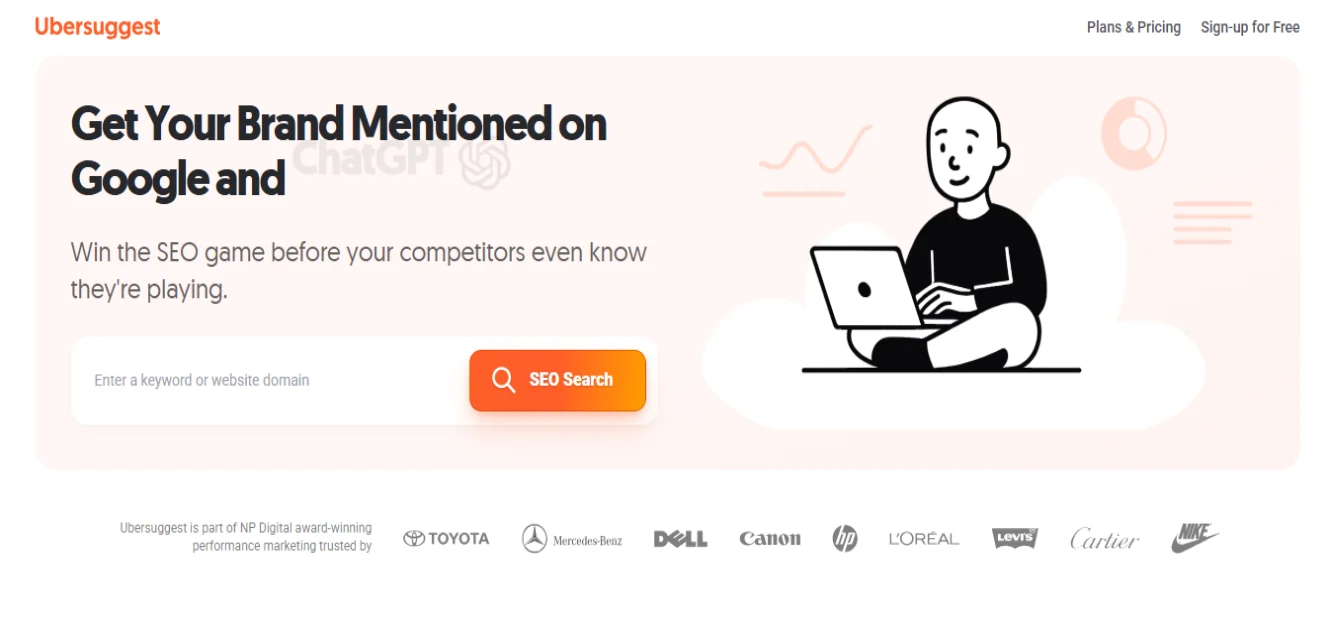
Ubersuggest is Neil Patel’s tool, and it is a favorite for people just starting out. The dashboard is clean and friendly. It pulls keyword ideas, runs basic site audits, tracks rankings, and shows backlink data.
- Best for: Beginners and solo site owners.
- Price: $29/mo (Individual), $49 (Business), $99 (Enterprise). The standout is the one-time lifetime deal: $290, $490, or $990. That pays for itself in about 10 months.
- Watch-out: The keyword difficulty data can feel off. Use it for ideas, then sanity-check with another tool.
The lifetime option is rare in this space. If you know you will do SEO for years, it is hard to beat on cost.
2. Keysearch
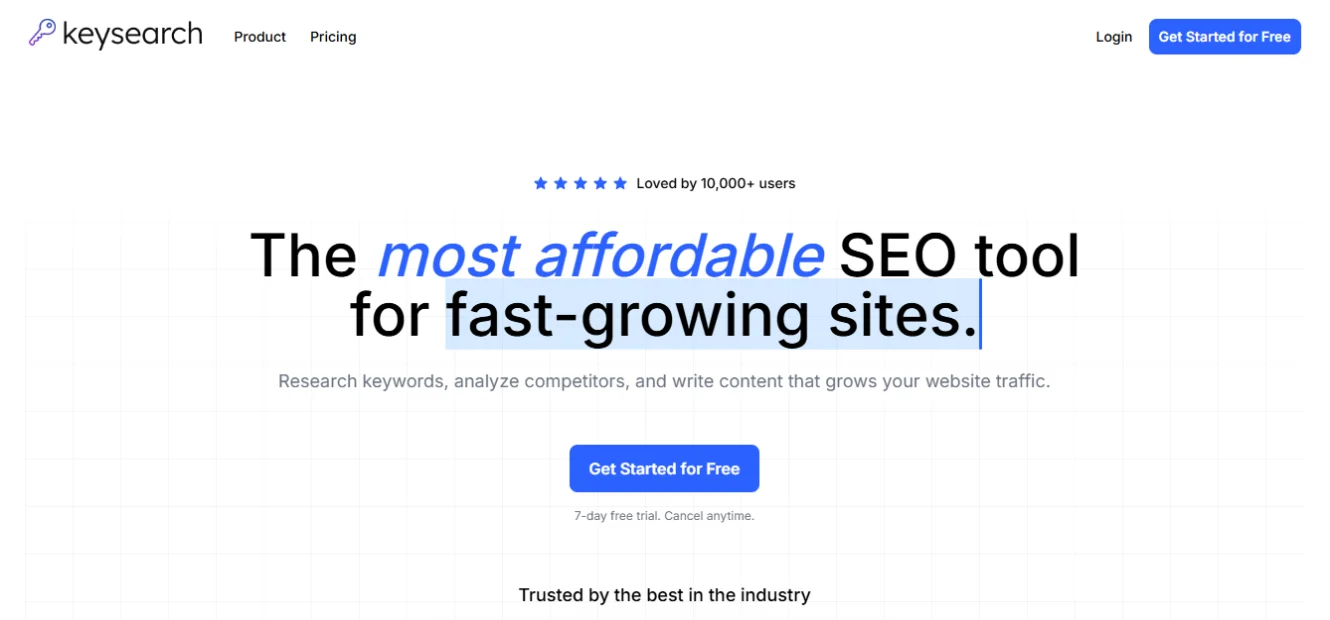
Keysearch is the quiet favorite of bloggers and content writers. It is built around finding long-tail, low-competition keywords you can actually rank for.
- Best for: A budget all-rounder for content sites.
- Price: Starter $24/mo ($20 annual), Pro $48/mo ($40 annual).
- New in 2026: Its “Foresight” AI engine reads your site’s authority and suggests keywords you have a real chance to win.
- Watch-out: The Starter plan caps you at 200 keyword searches a day. That is plenty for most, but plan your sessions.
For under $25, it covers research, rank tracking, and a site audit. That is a strong value.
3. Mangools (KWFinder)
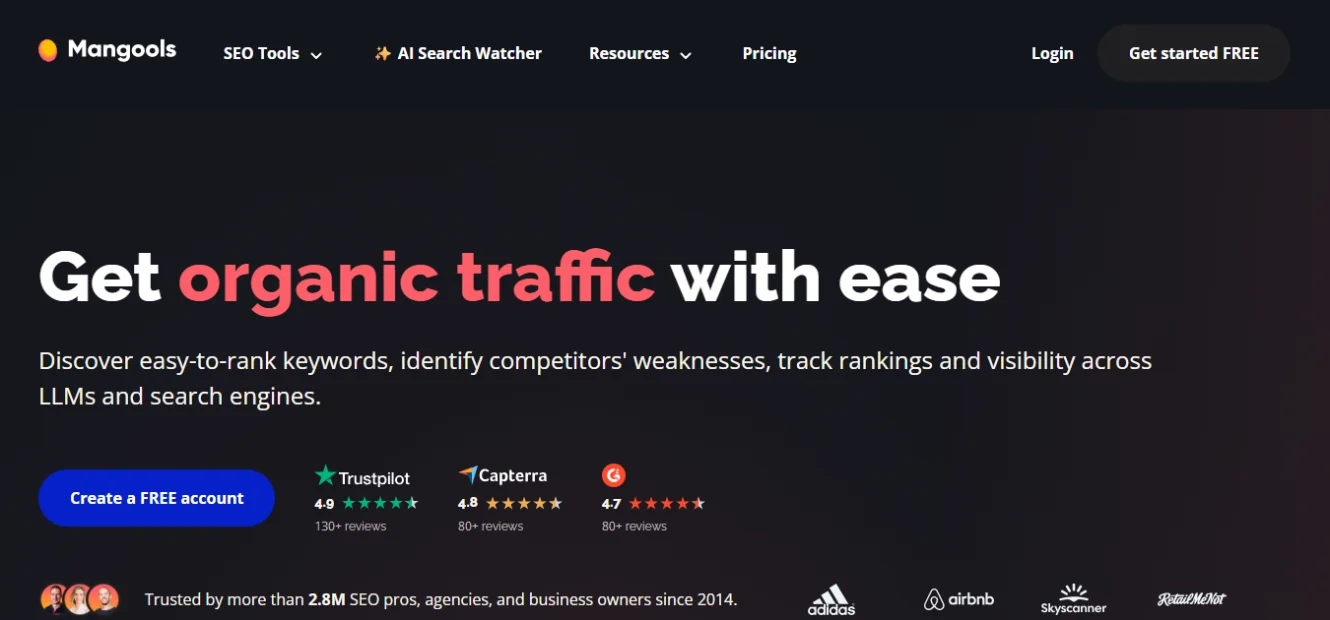
Mangools is not one tool but five: KWFinder for keywords, SERPChecker, SERPWatcher for rank tracking, LinkMiner for backlinks, and SiteProfiler. They all share one clean, colorful interface.
- Best for: People who want powerful data without a steep learning curve.
- Price: Basic $29.90/mo ($19.90 annual), Premium $44.90, Agency $89.90. There is a free plan plus a 10-day trial.
- New in 2026: Mangools added “AI Search Watcher” to track how you appear across AI search engines.
- Watch-out: Daily search limits on the basic plan can pinch heavy researchers.
KWFinder is genuinely good at surfacing long-tail keywords that bigger tools mark as “zero volume.”
4. SE Ranking
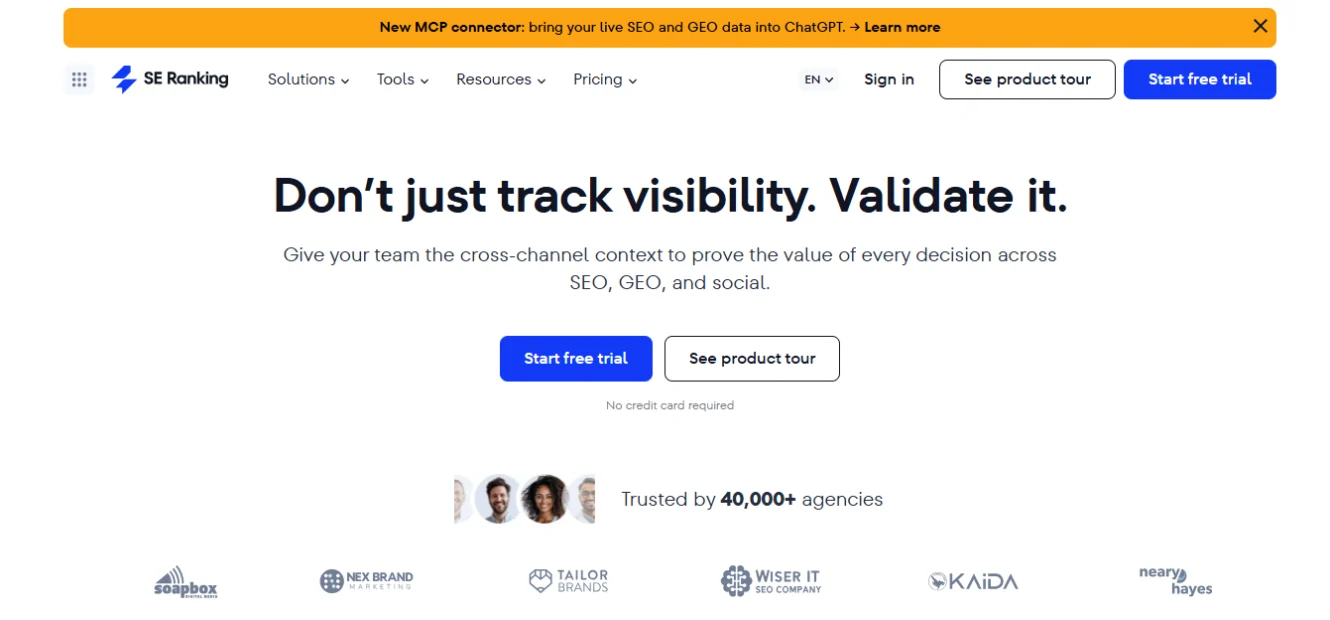
SE Ranking is a full platform built to compete with Semrush and Ahrefs, but cheaper. You get keyword research, best-in-class rank tracking, site audits, and white-label client reports.
- Best for: Freelancers and small agencies who need client-ready reports.
- Price: Core $129/mo ($103.20 annual), Growth $279/mo. A 14-day free trial, no card needed.
- New in 2026: It added an AI Visibility Tracker (to see your presence in AI Overviews) and GEO tracking for local keywords.
- Watch-out: Prices climbed in 2026. It is no longer the cheapest, but it is still well below Semrush for the feature set.
If you bill clients and need polished reports, this is a smart middle ground.
5. Serpstat
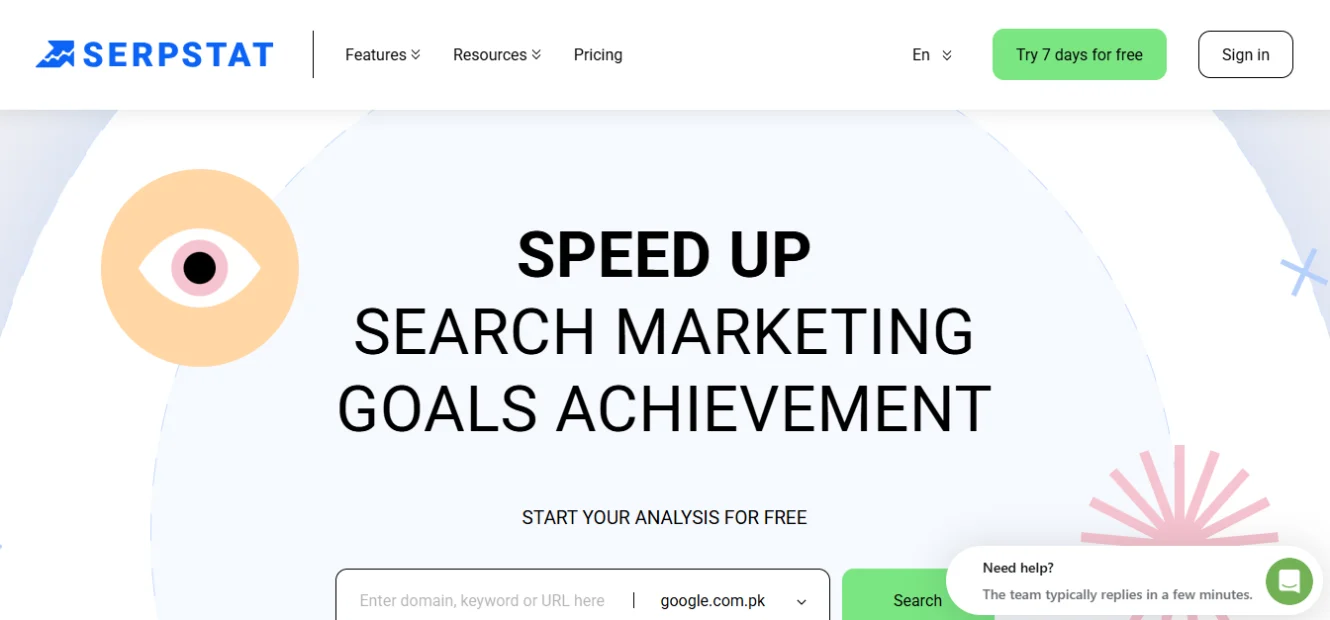
Serpstat is an affordable all-in-one suite that often gets overlooked. It covers keyword research, backlinks, rank tracking, and site audits, and it handles multiple sites well.
- Best for: Small teams managing several websites on one bill.
- Price: Lite $69/mo, Standard $149/mo. Monthly and annual billing are both available.
- Watch-out: Data depth can lag the premium tools on very competitive keywords.
It is a true Semrush alternative for people who want generous limits at a lower price.
6. Semrush (free tier and Pro)
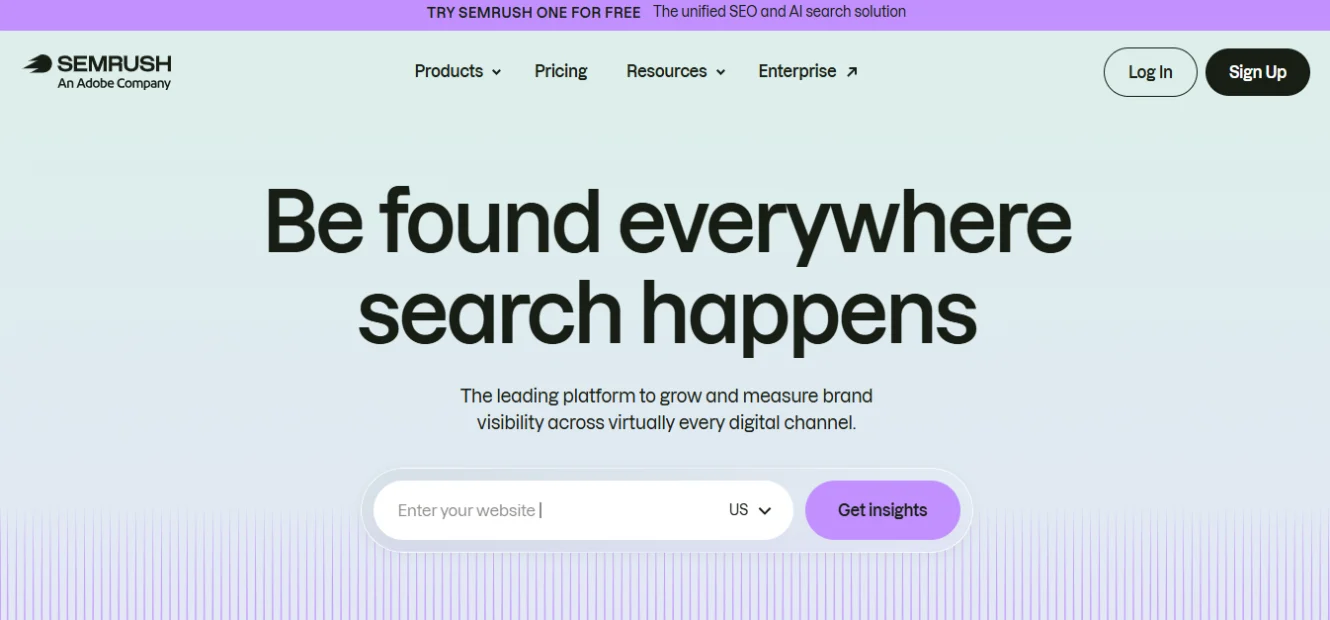
Semrush is not “cheap.” But it belongs here for two reasons, its free tier and the fact that it is the benchmark every other tool is measured against.
- Best for: Serious users who can stretch the budget, or anyone wanting a free starting point.
- Price: Free tier (1 project, 10 tracked keywords, 10 reports a day). Pro is $139.95/mo ($117.33 annual). A 7-day trial is offered on paid plans.
- New in 2026: “Semrush One” (from $199/mo) bundles an AI Visibility Toolkit that tracks your brand across Google AI Overviews, ChatGPT, Gemini, and Perplexity. The AI Visibility add-on alone is $99/mo per domain.
- Watch-out: Core content and historical-data features are locked behind the pricier Guru tier.
Use the free tier to learn the interface. Upgrade only when the limits start hurting.
7. Ahrefs (Webmaster Tools and Starter)
Ahrefs is the gold standard for backlink data. It is also expensive at the top tiers. But two options make it affordable.
- Best for: Competitor and backlink research.
- Price:Ahrefs Webmaster Tools is free for sites you own (audit and backlink data). The Starter plan is $29/mo, which unlocks Keywords Explorer, rank tracking, and competitor data on any site.
- Watch-out: The Starter plan’s monthly credits run out fast if you click around without a plan. Research with intent.
For $29, the Starter plan is the cheapest way into Ahrefs’ famous backlink index.
8. Moz Pro
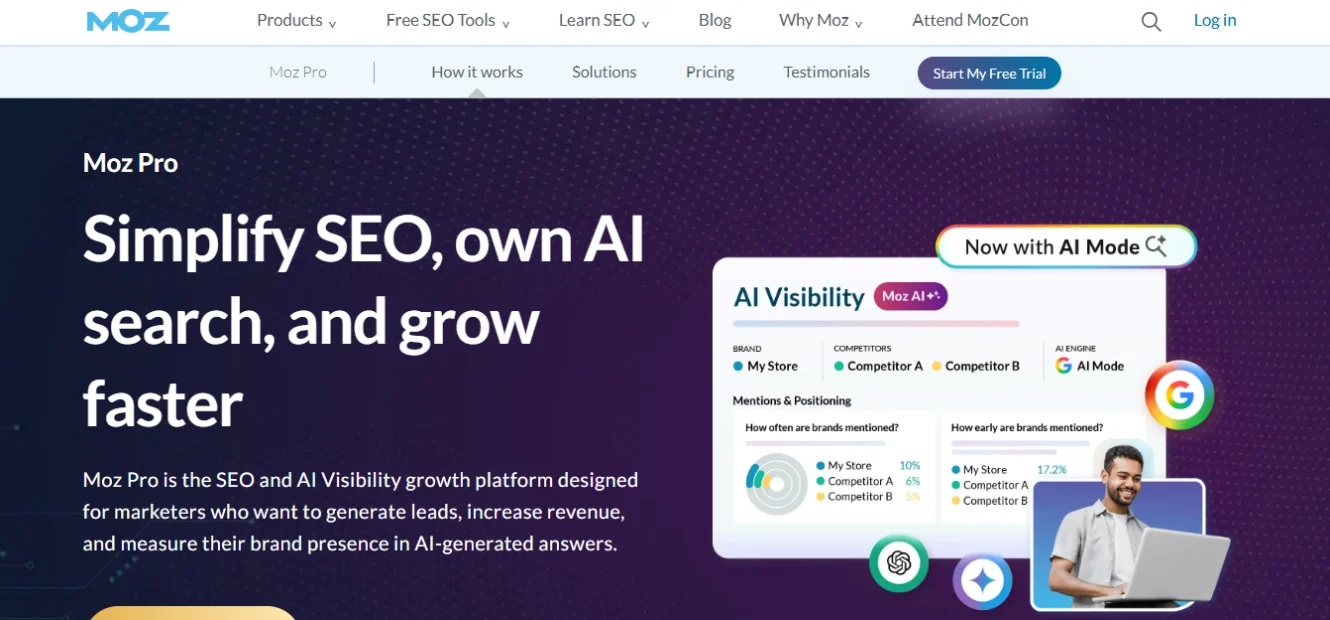
Moz has been around for over 20 years. Its tools are solid, and its free options are underrated.
- Best for: Beginners who like clear teaching and strong local SEO.
- Price: Starter $39/mo, Standard $79/mo. Free tools include MozBar (a browser extension) and a limited Keyword Explorer. The free trial runs a generous 30 days.
- New in 2026: Every plan now includes “AI Overviews by Keyword” and a Brand Authority score.
- Watch-out: Its backlink and keyword databases are smaller than Ahrefs or Semrush.
The MozBar alone is a handy free win for quick page checks.
Category 2: Specialized keyword and idea tools
These do one job and do it cheaply. They are great add-ons to a main tool.
9. LowFruits
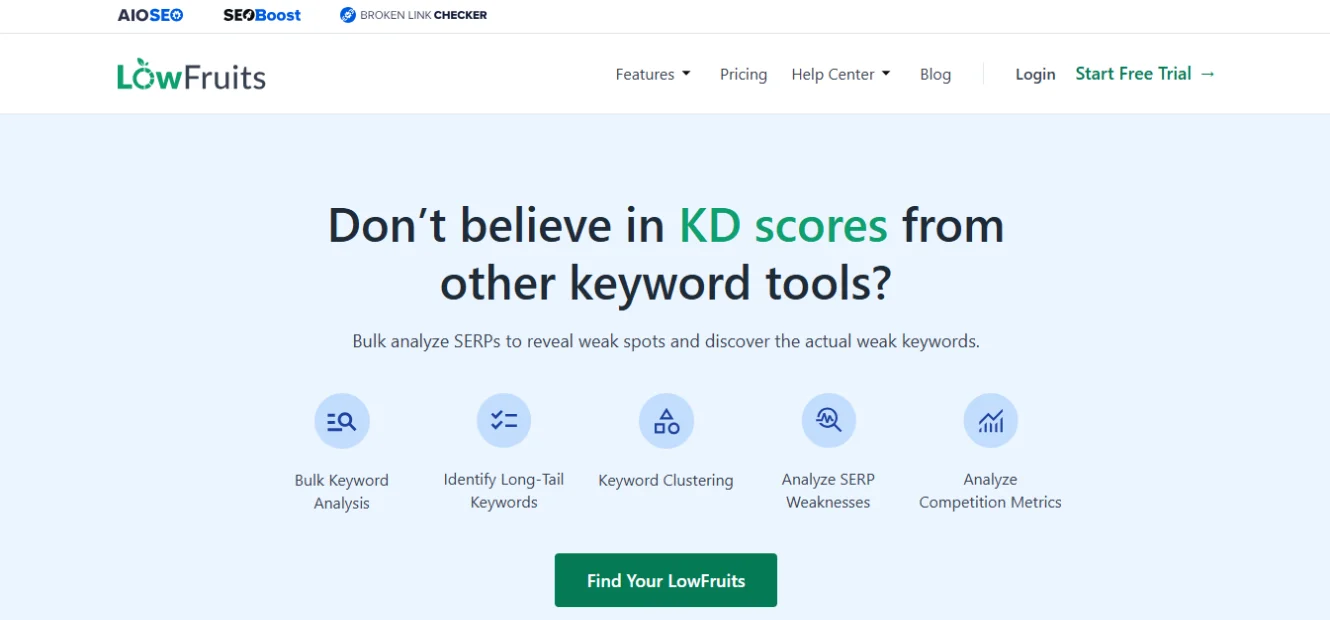
LowFruits is one of the smartest budget tools to appear in recent years. Instead of trusting a single difficulty score, it reads the actual search results page. It flags keywords where weak sites (forums, Reddit, low-authority pages) already rank. Those are your easy wins.
- Best for: New sites hunting for keywords they can rank for today.
- Price: Pay-as-you-go from $25 for 2,000 credits (one credit = one keyword), with monthly plans around $21–$62. Free credits to start.
- Watch-out: It pulls search volume from cached Google data, so volumes are not always live.
None of the big competitor articles mention this tool. It is a hidden gem for low-competition research.
10. AnswerThePublic
AnswerThePublic turns one keyword into a visual map of the questions people ask. It is built on autocomplete data, so you see what real users type.
- Best for: Blog ideas, FAQ sections, and finding the questions AI search loves to answer.
- Price: From $20/mo, with a limited free option (a few searches a day).
- Watch-out: It gives you questions, not deep volume or difficulty data. Pair it with Keysearch or LowFruits to validate.
In 2026, question-style content matters more than ever because AI Overviews pull from clear, direct answers.
11. Keywords Everywhere
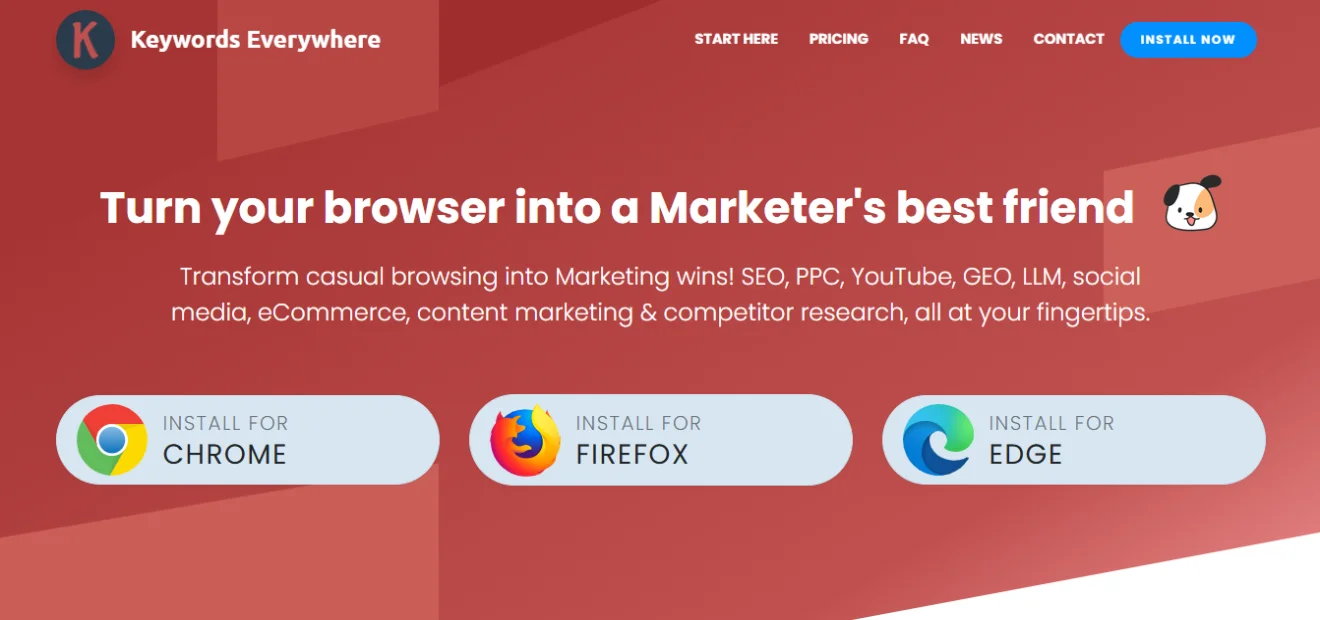
Keywords Everywhere is a browser extension that shows keyword data right inside Google, YouTube, and more. No dashboard, no tabs to switch between.
- Best for: Quick keyword data while you browse.
- Price: Credit-based, starting around $15 for 100,000 credits. Very cheap for light users.
- Watch-out: It is surface-level by design. Treat it as a helper, not a main tool.
It is the kind of tool you forget is running until you miss it.
Category 3: On-page and content optimization tools
Keyword research finds the topic. These tools help you write the page that wins.
12. Surfer SEO

Surfer scores your draft against the pages already ranking for your keyword. It tells you which terms to add, how long the piece should be, and where you are thin.
- Best for: Writers who publish often and want a clear optimization target.
- Price: Essential $99/mo ($79 annual), Scale $219/mo. A 7-day money-back guarantee.
- New in 2026: An AI Tracker add-on monitors your visibility in AI search (extra cost).
- Watch-out: AI articles and the SERP Analyzer are paid add-ons on the entry plan. Do not assume everything is included.
If even one optimized article hits page one, the tool pays for itself.
13. Frase
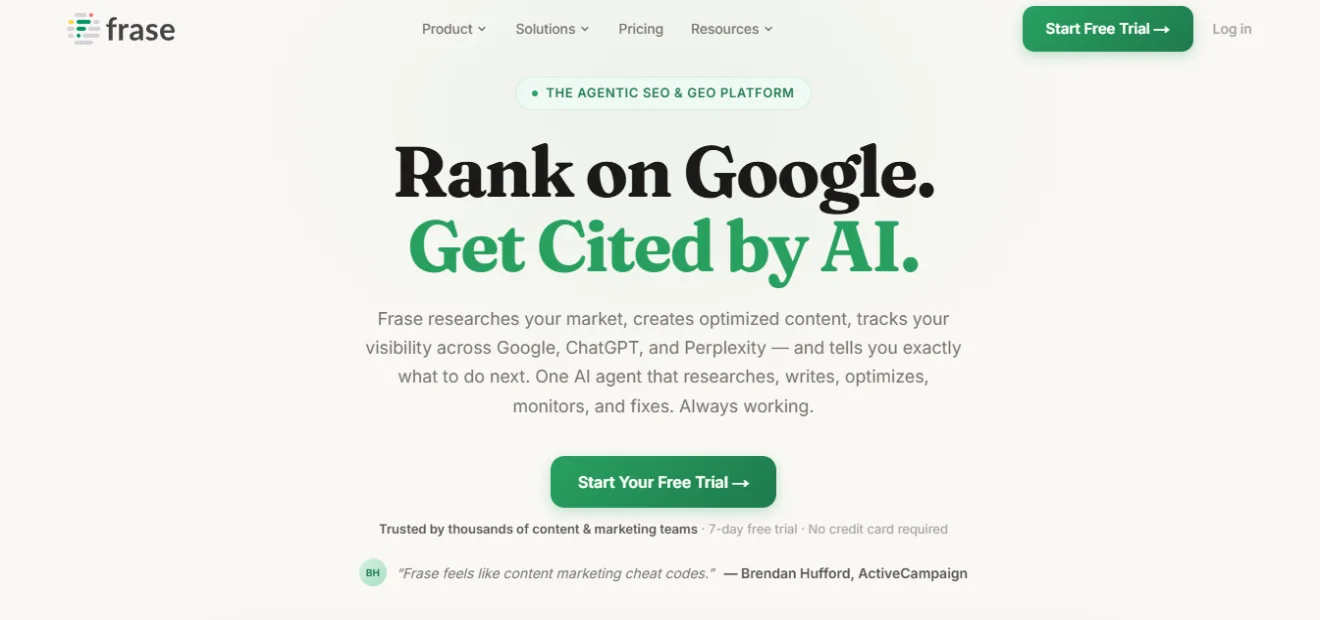
Frase is a cheaper, content-first rival to Surfer. It builds research briefs, optimizes drafts, and writes with AI.
- Best for: Solo creators and small teams who want briefs plus optimization in one place.
- Price: Starter $49/mo ($39 annual), Professional $129/mo. A 7-day free trial, no card.
- New in 2026: Frase now tracks AI visibility across multiple platforms and builds GEO-friendly briefs. (Note: prices rose in 2026, so ignore older reviews quoting $15.)
- Watch-out: The entry plan is single-seat with capped articles. Teams should budget for the Professional tier.
Frase is a strong pick if you want to connect research and writing without paying Surfer’s price.
14. Rank Math (WordPress SEO plugin)
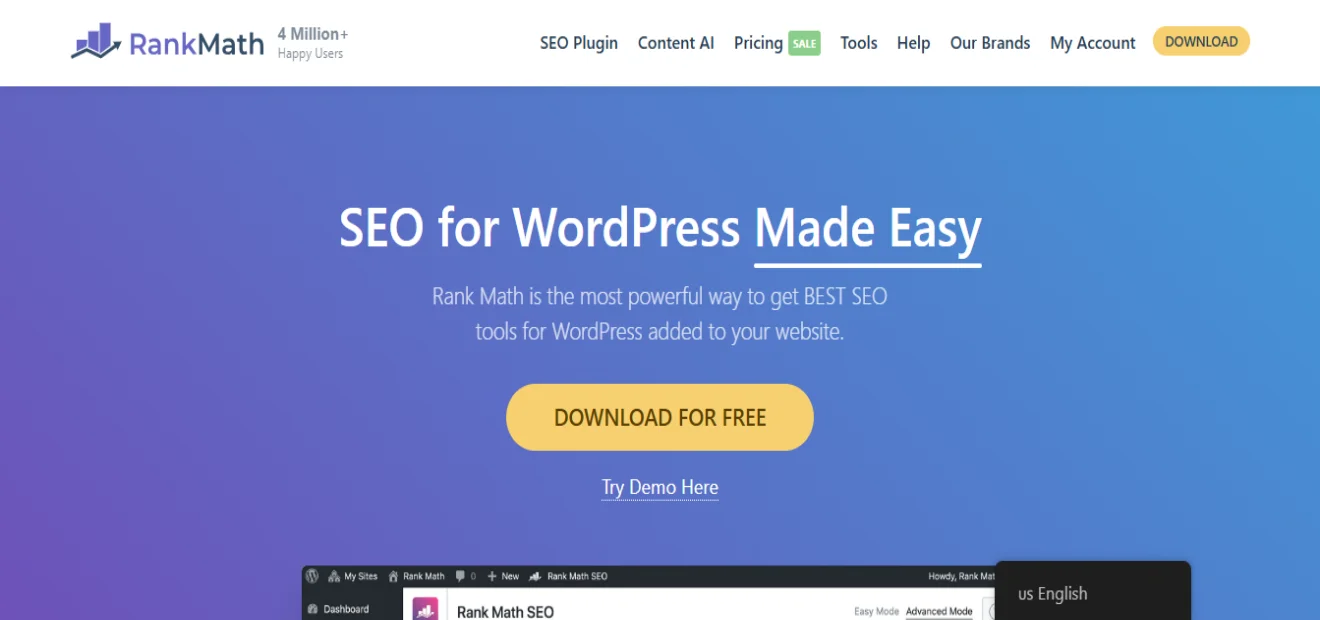
If your site runs on WordPress, an SEO plugin is non-negotiable. Rank Math handles your titles, meta descriptions, schema markup, sitemaps, and on-page checks.
- Best for: WordPress site owners who want on-page SEO handled inside their editor.
- Price: The core plugin is free and very capable. Pro plans start around $7/month billed yearly (check current pricing).
- Watch-out: Do not enable every feature at once. Turn on what you need.
Yoast is the well-known alternative and also has a strong free version. Either one works; pick the interface you prefer.
Category 4: Technical SEO and site health tools
A great page means nothing if Google cannot crawl your site. These tools keep the engine running.
15. Screaming Frog SEO Spider
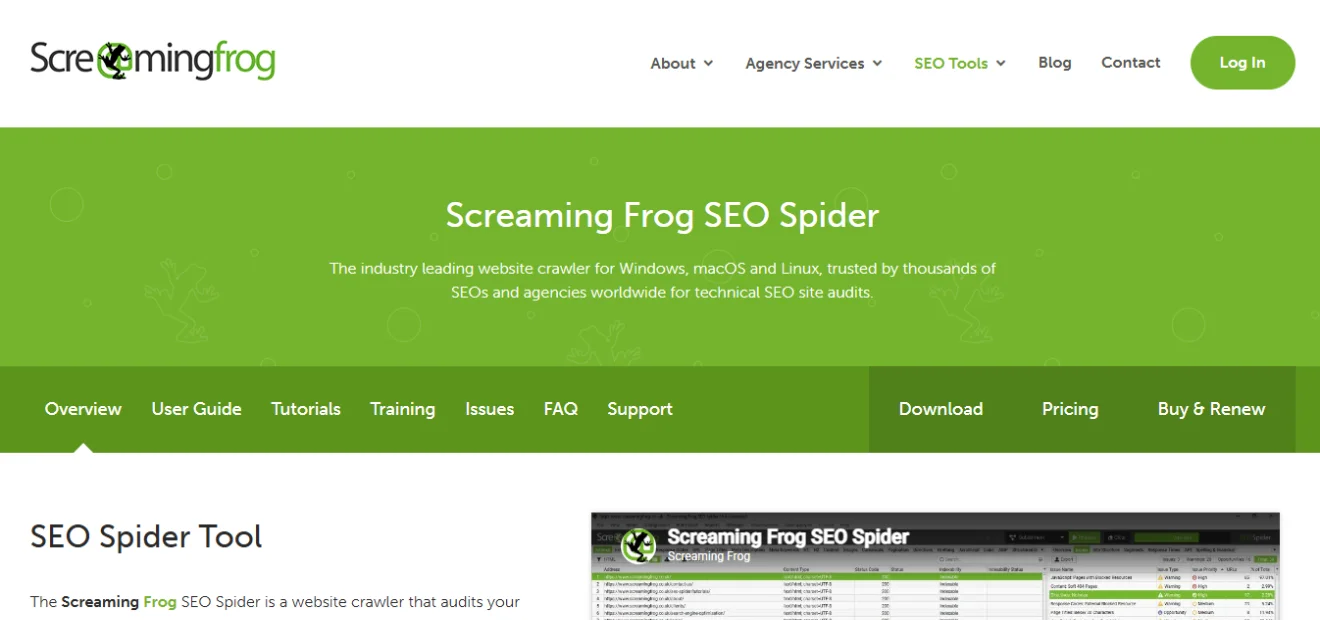
Screaming Frog crawls your whole site like a search engine does. It finds broken links, duplicate titles, missing meta tags, redirect chains, and orphan pages.
- Best for: Technical audits and fixing crawl problems.
- Price:Free for up to 500 URLs. The paid license is about £199/year (roughly $259) and removes the cap.
- Watch-out: The interface looks technical at first. Give it one session and it clicks.
For small sites, the free version does almost everything you need.
16. Google PageSpeed Insights (and Core Web Vitals)
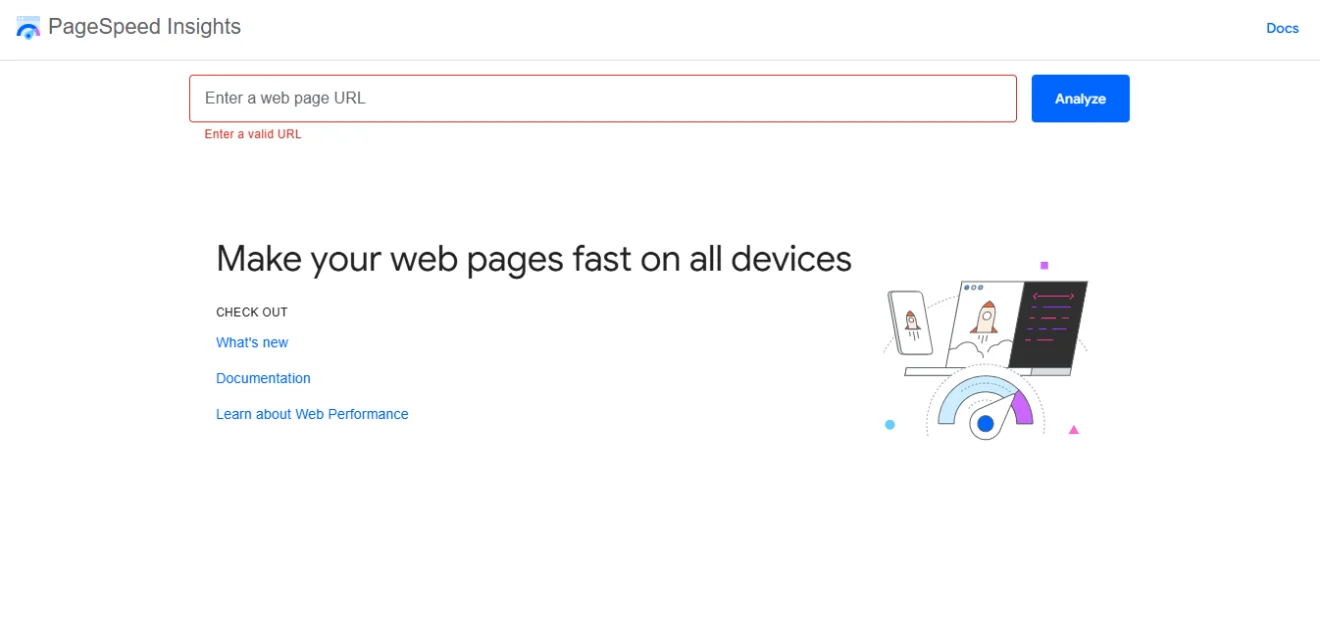
Slow sites lose visitors and rankings. PageSpeed Insights grades your speed and points to the exact fixes, like oversized images or slow scripts.
- Best for: Checking and improving load speed and Core Web Vitals.
- Price: Free.
- Watch-out: Lab scores and real-world scores differ. Watch the field data (real user numbers) most closely.
GTmetrix is a good free companion if you want a second view.
17. Bing Webmaster Tools
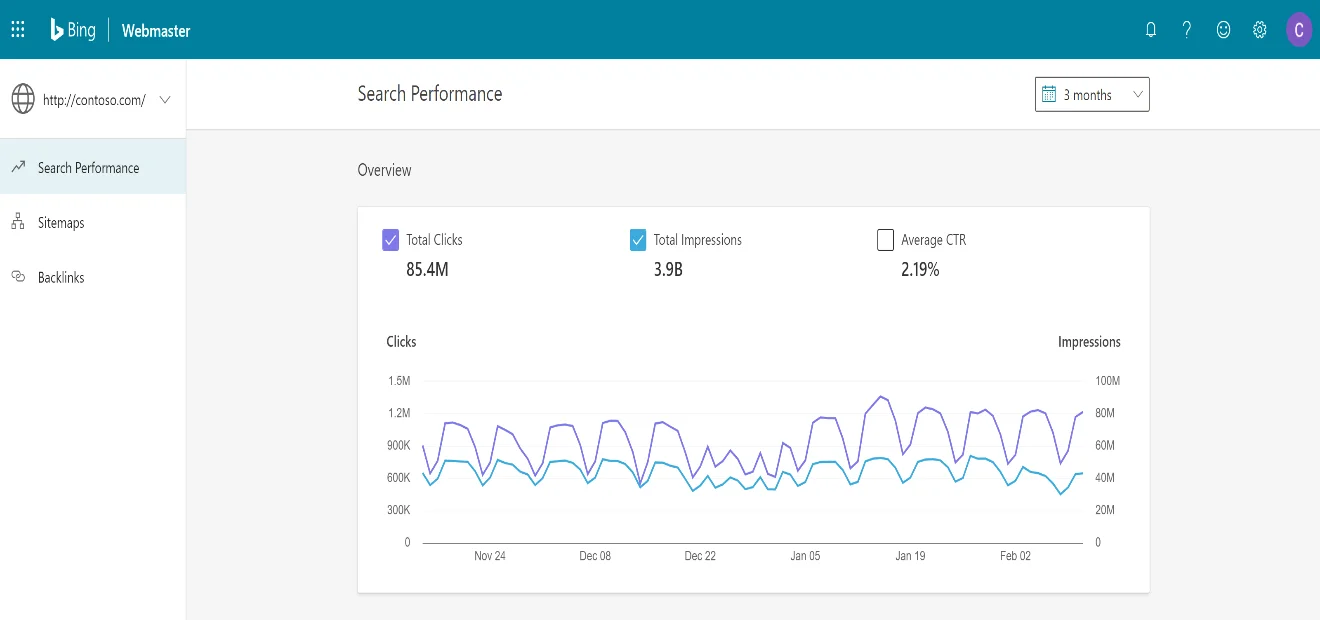
Bing is easy to ignore. Do not. Microsoft Copilot and several AI search tools lean on Bing’s index. Setting this up is free and takes minutes.
- Best for: Getting indexed beyond Google, including AI assistants.
- Price: Free.
- Watch-out: Traffic from Bing is smaller than Google, but it is rising with AI search.
This is a quiet 2026 advantage most small businesses skip.
Category 5: The free Google data stack
You should set these up before you spend a single dollar. No paid tool can replace them, because this is your real data.
18. Google Search Console
Search Console is the source of truth for your site. It shows the exact keywords you rank for, your clicks, your impressions, and any indexing problems.
- Best for: Real ranking and click data for your own site.
- Price: Free.
- Watch-out: It only shows data for your verified sites. That is the point.
If you do one thing today, set this up.
19. Google Analytics 4
GA4 tells you what people do after they land. Which pages they visit, how long they stay, and which content leads to sales or sign-ups.
- Best for: Understanding visitor behavior and what content converts.
- Price: Free.
- Watch-out: GA4 takes patience to set up well. It is worth the effort.
Pair GA4 with Search Console and you have a full picture: how people find you, and what they do next.
20. Google Keyword Planner (and Google Trends)
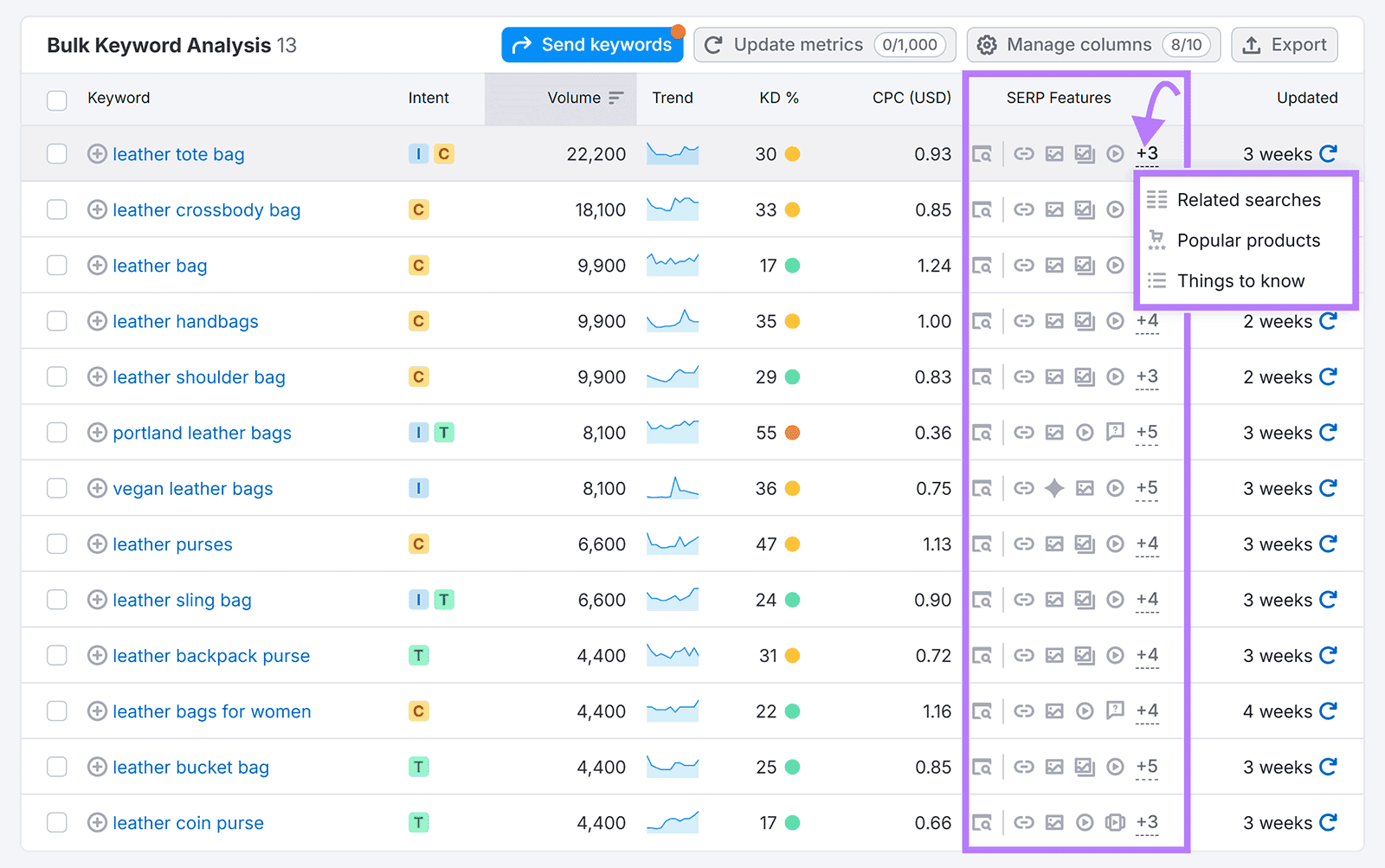
Keyword Planner was built for Google Ads, but it still gives free search-volume ideas straight from Google. Google Trends shows what is rising or fading, which is great for timing content.
- Best for: Free keyword volume estimates and spotting trends.
- Price: Free (a Google Ads account is needed for Keyword Planner).
- Watch-out: Volume ranges are broad. Use it for direction, not precision.
Together these round out a fully free starter stack.
Which affordable SEO tool should you choose?
The right tool depends on who you are. Here is a simple guide.
| You are a… | Start with | Why |
| Beginner / blogger | Ubersuggest or Keysearch + Search Console | Cheap, simple, covers the basics |
| Small business | Mangools or Moz Pro + Google stack | Easy interface, local-friendly, room to grow |
| Agency / freelancer | SE Ranking or Semrush + Screaming Frog | Client reports, deeper data, technical audits |
| Affiliate / content site | LowFruits + Keysearch + Surfer or Frase | Find easy keywords, then optimize content to rank |
Notice that no one needs all 20. Most people thrive with two or three that fit their work.
How to build a budget SEO stack (3 levels)
Here is exactly how I would spend, depending on budget.
The free stack ($0/month) Google Search Console + Google Analytics 4 + Keyword Planner + Ahrefs Webmaster Tools + Screaming Frog (free) + Rank Math (free). This covers research, technical health, and real data. Many small sites never need more.
The starter stack (under $30/month) Add one paid research tool: Keysearch ($24) or Ubersuggest ($29, or grab the lifetime deal). Now you have proper keyword research on top of your free stack.
The growth stack (under $100/month) Keysearch or Mangools (~$30) + LowFruits credits (~$25) + Surfer or Frase for content (~$49–$99 on entry or annual). This is a serious setup for under a hundred dollars a month.
The trap to avoid: do not stack three keyword tools before you have set up Search Console. You would be paying for guesses while ignoring your real numbers.
Frequently asked questions
Are affordable SEO tools good enough, or do I need Ahrefs or Semrush?
For most small sites, affordable tools are plenty. Cheaper platforms like Keysearch, Mangools, and Ubersuggest give you around 80% of the big-name features for a fraction of the price. You only need the premium tools when you compete in very crowded markets or manage many clients.
What is the cheapest SEO tool that actually works?
Keysearch at $24/month (or $20 annual) is a strong all-rounder. For research without a subscription, LowFruits starts at $25 in pay-as-you-go credits. And several Google tools are free forever.
Do free SEO tools have any value?
Yes, a lot. Google Search Console and Analytics 4 give you data no paid tool can match, because it is your own. Always set up the free stack first.
Which tool helps me show up in AI search and AI Overviews?
Several now track this: Semrush One, SE Ranking, Mangools, Moz, Surfer, Frase, and Keysearch. But the bigger win is clear, well-structured content that answers questions directly.
Can I do SEO with no budget at all?
Yes. The free stack above (Search Console, GA4, Keyword Planner, Ahrefs Webmaster Tools, free Screaming Frog, free Rank Math) can take a small site a long way. Add a paid tool only when you outgrow the free limits.
Final thoughts
SEO does not have to be expensive. The tools on this list prove that you can research keywords, fix your site, optimize content, and even track AI search, all on a small budget.
Start with the free Google stack. Add one paid tool that fits your work. Grow your stack only when the limits start to slow you down.
The best SEO tool is not the most expensive one. It is the one you will actually use, day after day, to publish content that ranks.